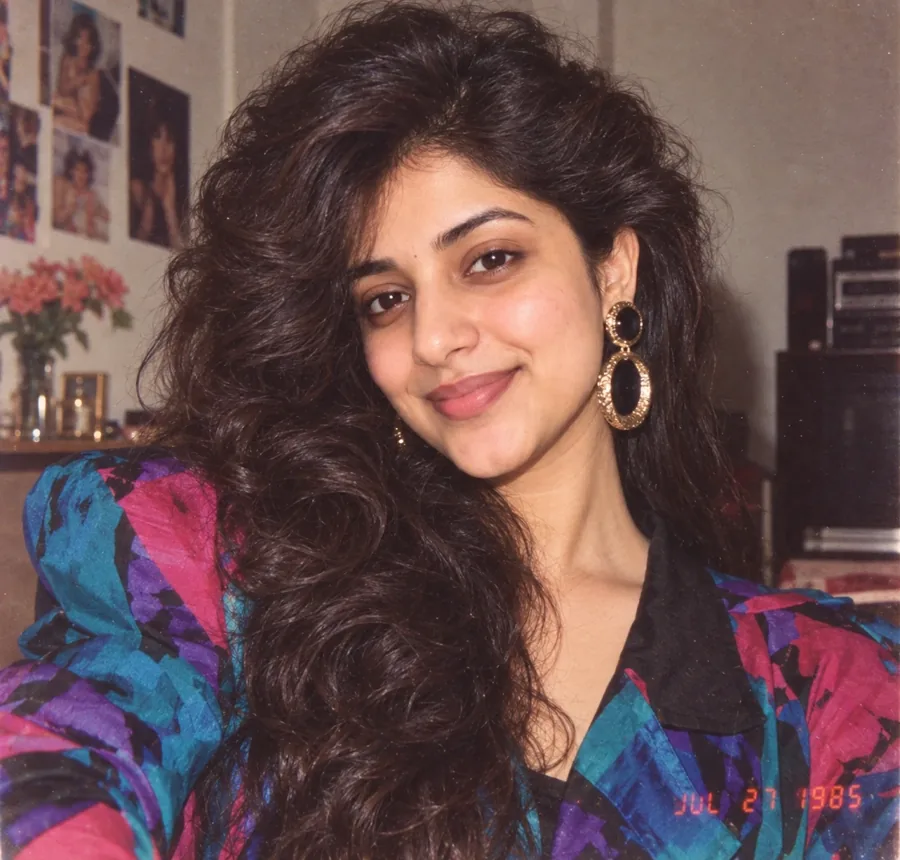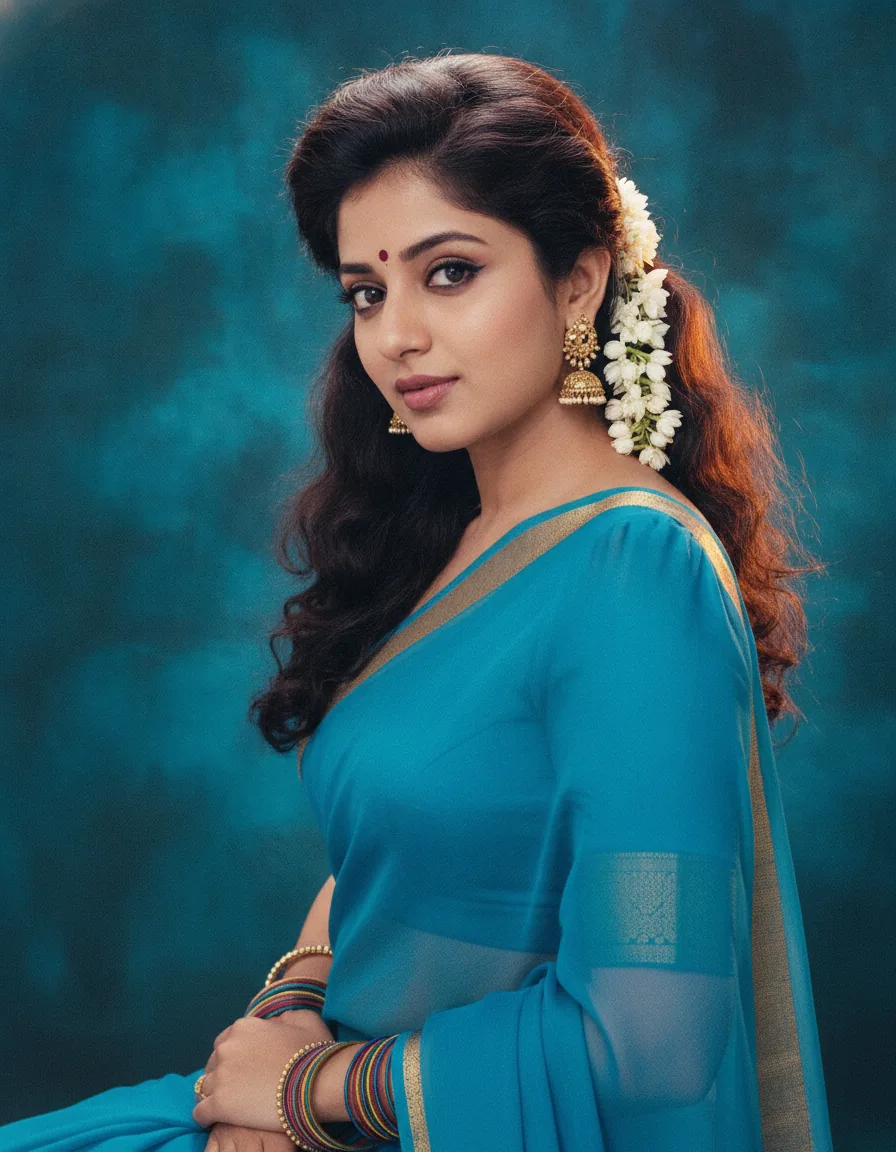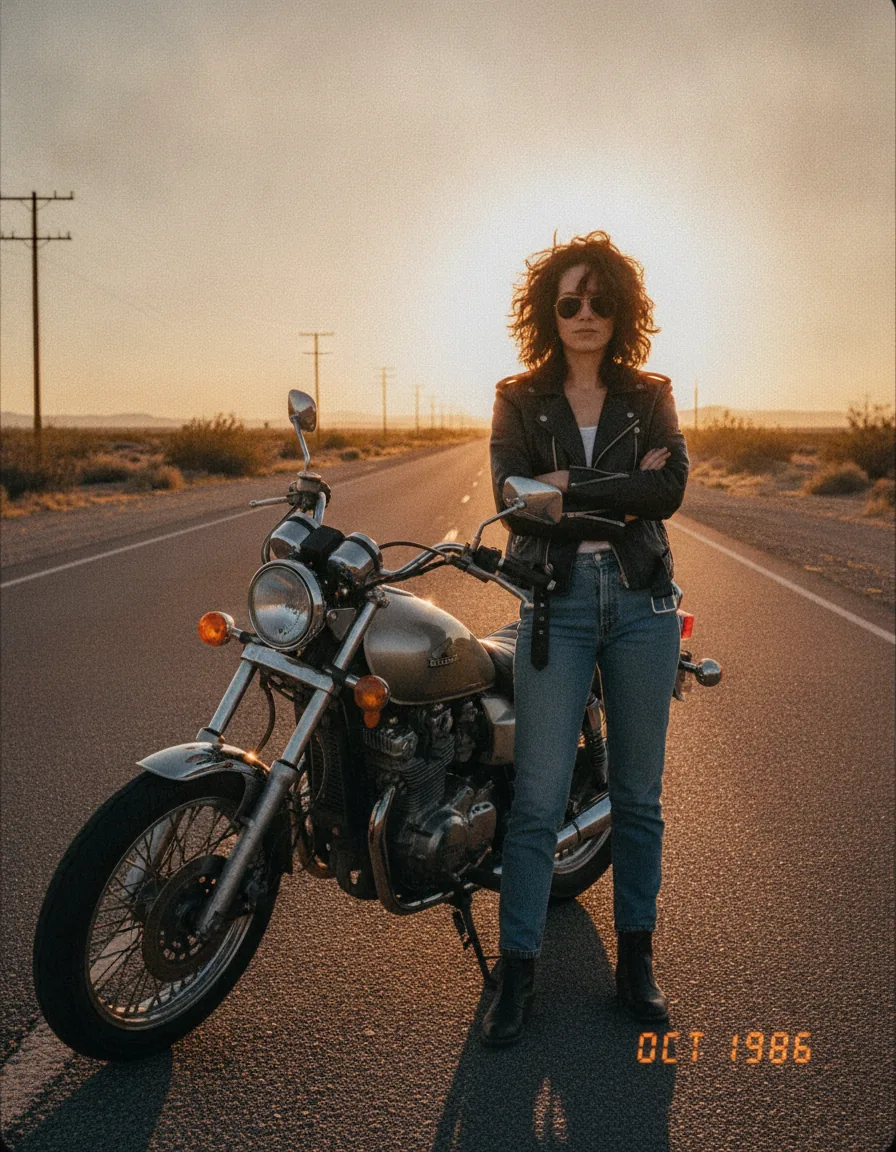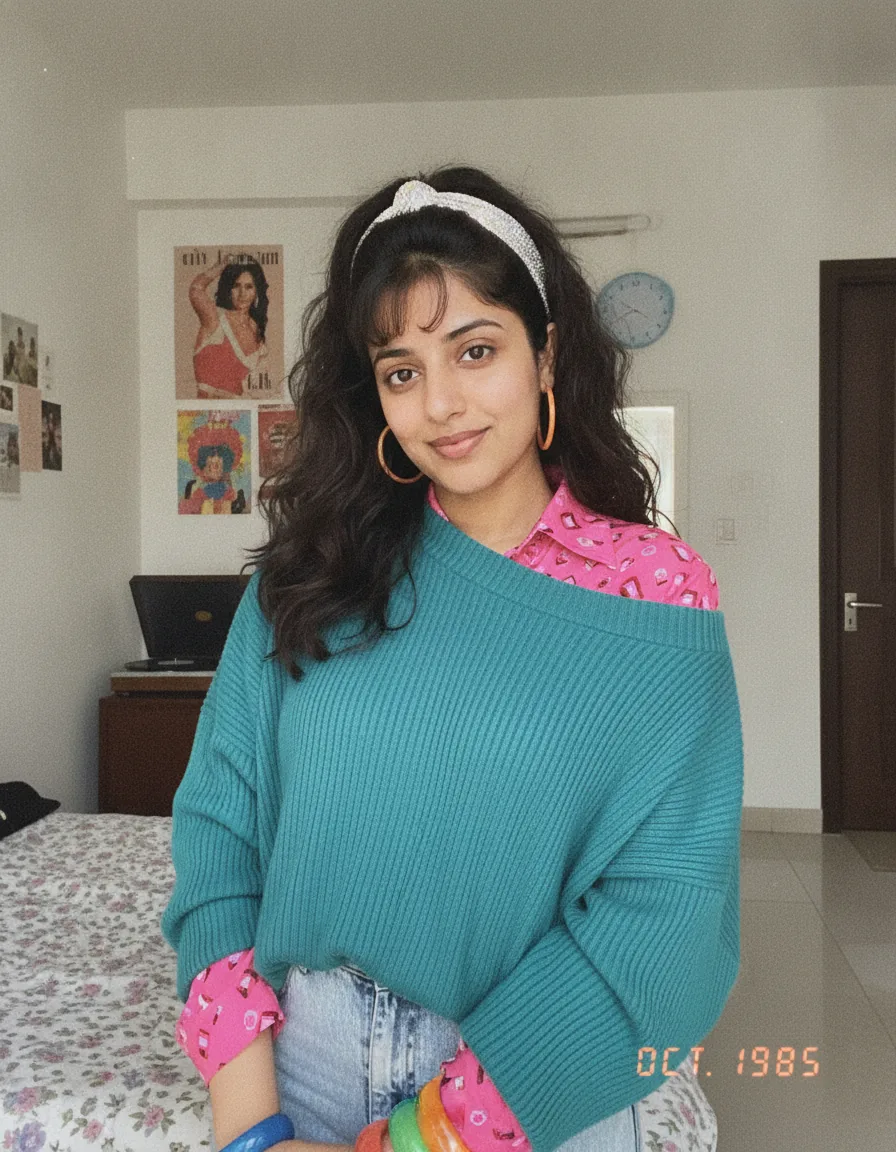
 Before
What this prompt creates
Gemini keeps your face, hairline and skin tone close to the original and restyles the rest: fuller, textured hair with a headband or clips, an oversized knit or jacket over a bright patterned shirt, hoop earrings and plastic bangles, all inside a bedroom or living room that matches your photo. The light is a flat on-camera flash with soft edges, colors are slightly faded and warm, and a digital date stamp such as OCT. 1985 appears in the corner. In the example, a casual indoor photo became a teal sweater, pink printed shirt and poster-covered bedroom.
How to use this 1980s photo prompt gemini
- Tap Copy prompt above to copy the full text.
- Open Gemini (Nano Banana) and start a new chat. Upload a clear, well-lit photo where your face is fully visible (no sunglasses or heavy filters); for couple or family prompts, upload a photo with everyone in it.
- Paste the prompt and send it. Add a short line such as "in a 1985 college dorm room" or "at a 1985 school dance" if you want Gemini to use a specific setting.
- If the face changes, reply “keep my face exactly as in the uploaded photo” and regenerate. Try two or three versions and keep the one that looks most like a real old print.
Tips for this prompt
- Open the Gemini app or gemini.google.com, start a new chat, tap the plus button to upload your photo, then paste the prompt in the same message.
- Gemini sometimes returns a description instead of an image. Reply with "edit my uploaded photo and show the image" and it will generate it.
- If Gemini makes the skin too smooth, add "keep natural skin texture, no beauty filter" at the end of the prompt and regenerate.
- Gemini keeps the original framing, so upload a photo with some background visible if you want a full 80s room behind you.
Who this prompt suits
Anyone who uses Gemini instead of ChatGPT, or who wants a second Gemini AI photo to compare with a ChatGPT version. It is especially good for selfies taken indoors, because Gemini fills the room with period detail. Girls and women who want the classic big-hair, oversized-knit 1985 look will find this 1980s photo prompt Gemini version gets there in one or two tries.
What makes this prompt work
Gemini responds best to plain, descriptive instructions, and this prompt is exactly that. "Preserve my identity, facial features, skin tone, age" is enough for Gemini's editing model to keep you recognisable, so there is no need for long face-lock paragraphs. "Reimagine my hair, clothing, accessories, and surroundings" lets Gemini restyle the whole frame, which it tends to do with more room detail than other tools. "Analog grain, faded color, direct flash" pull it away from its default clean, sharp finish, and the date stamp instruction is followed reliably in Gemini.
Background reading: the 1980s on Wikipedia.