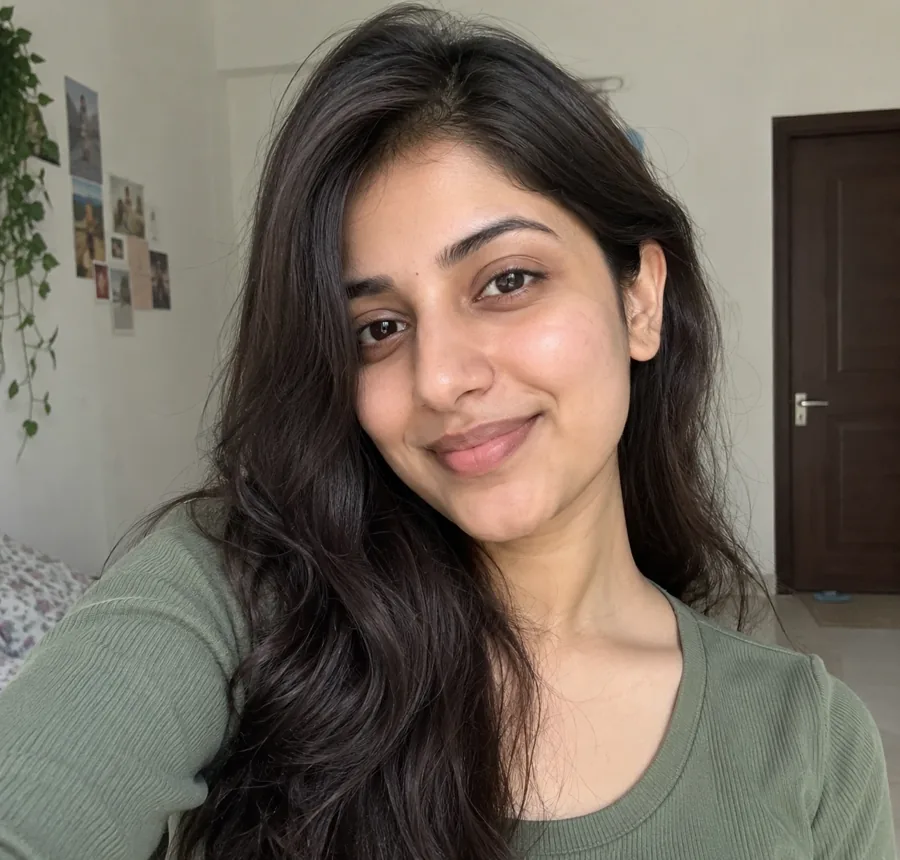
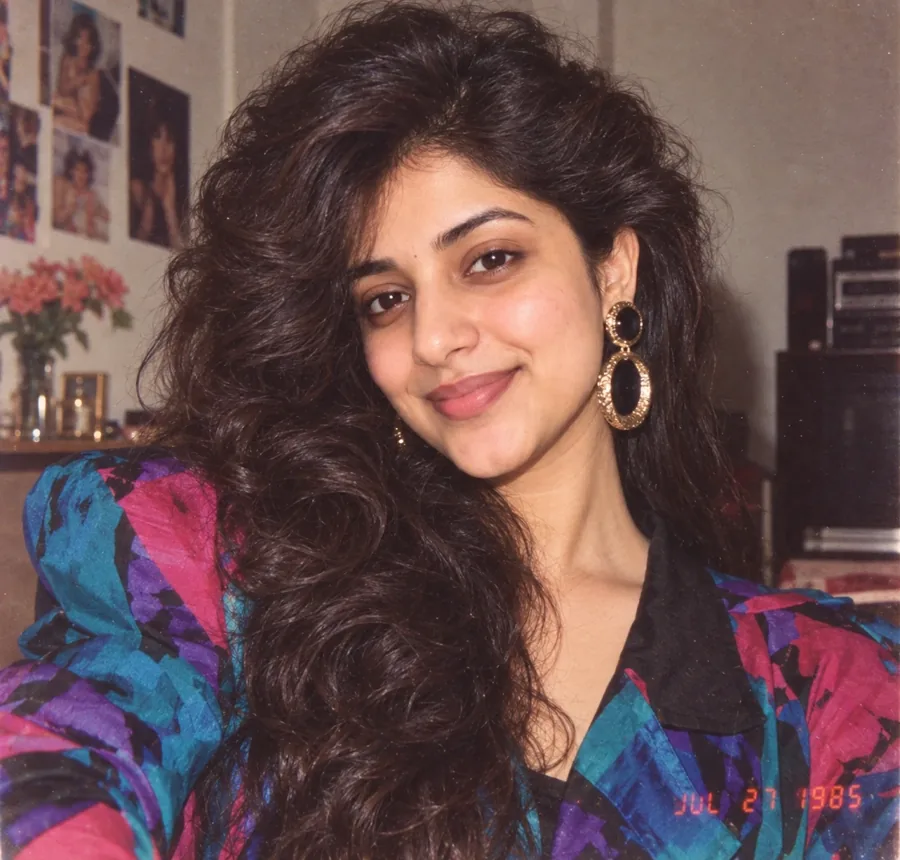
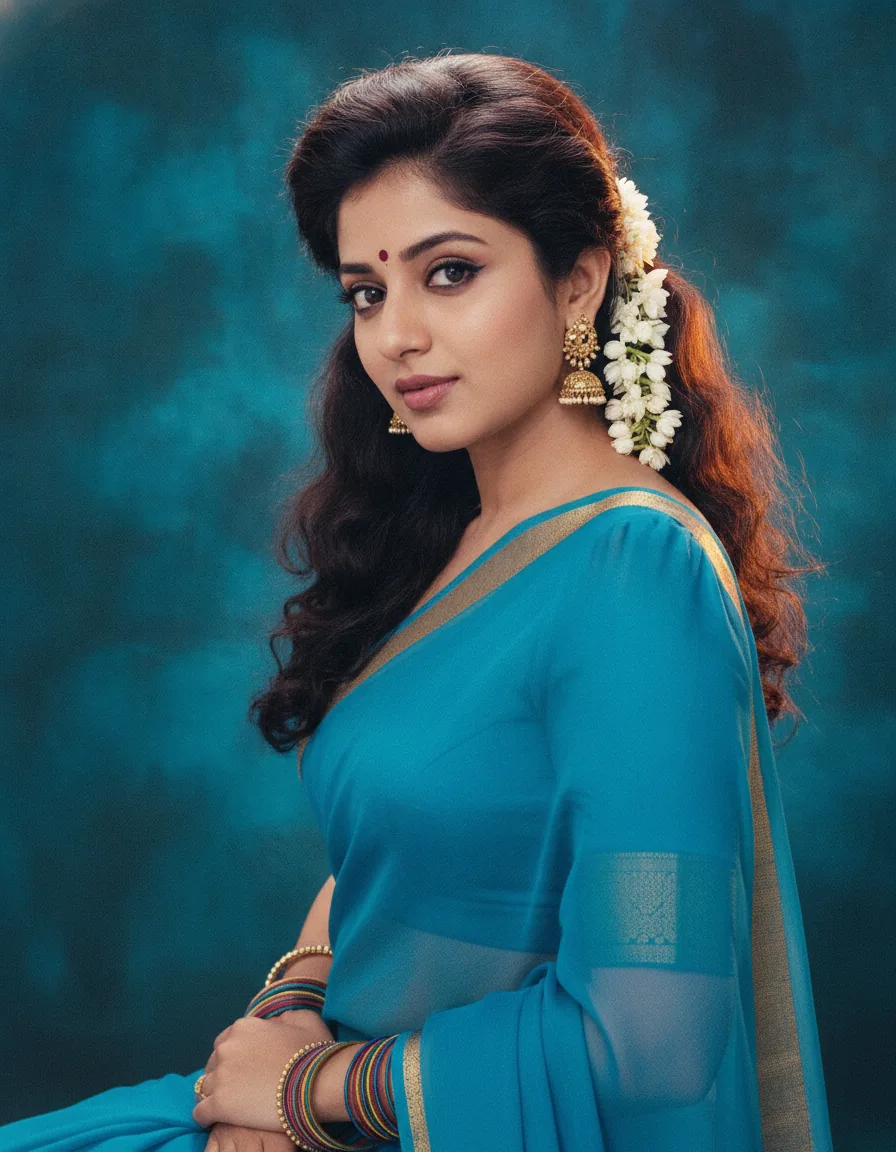
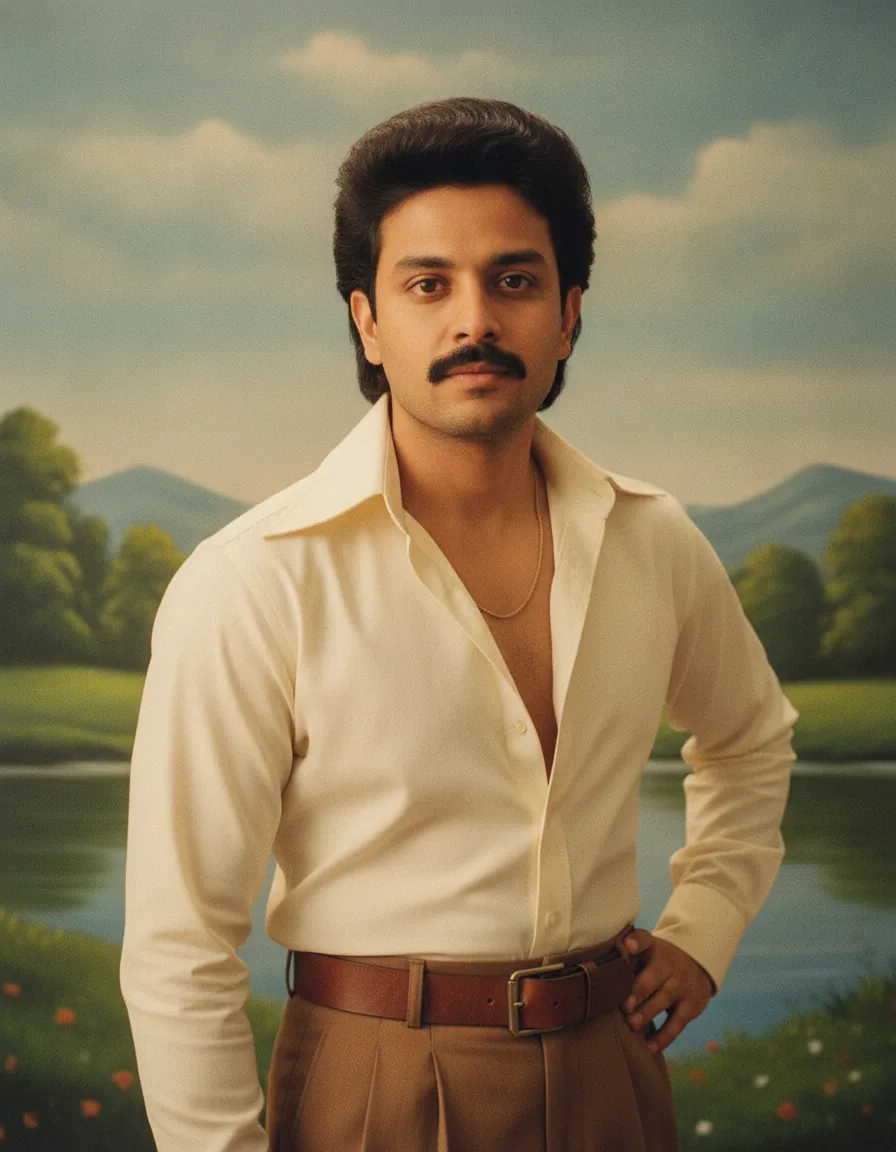
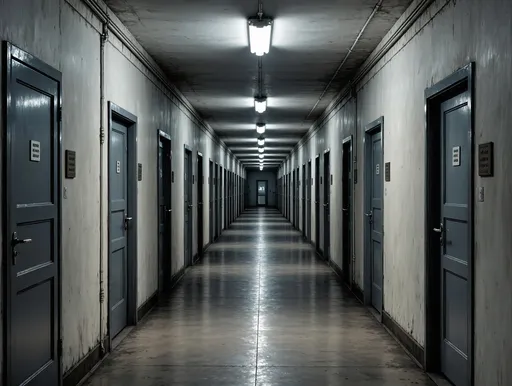
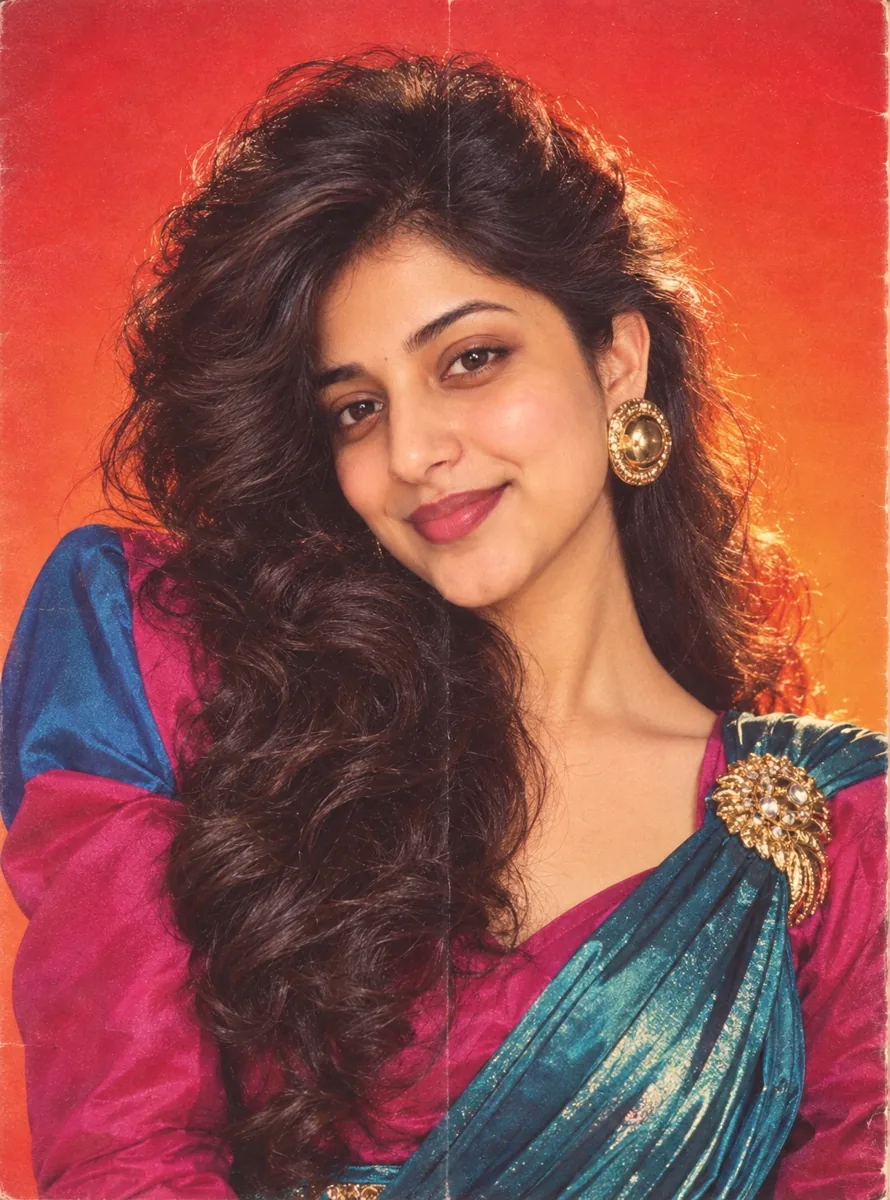
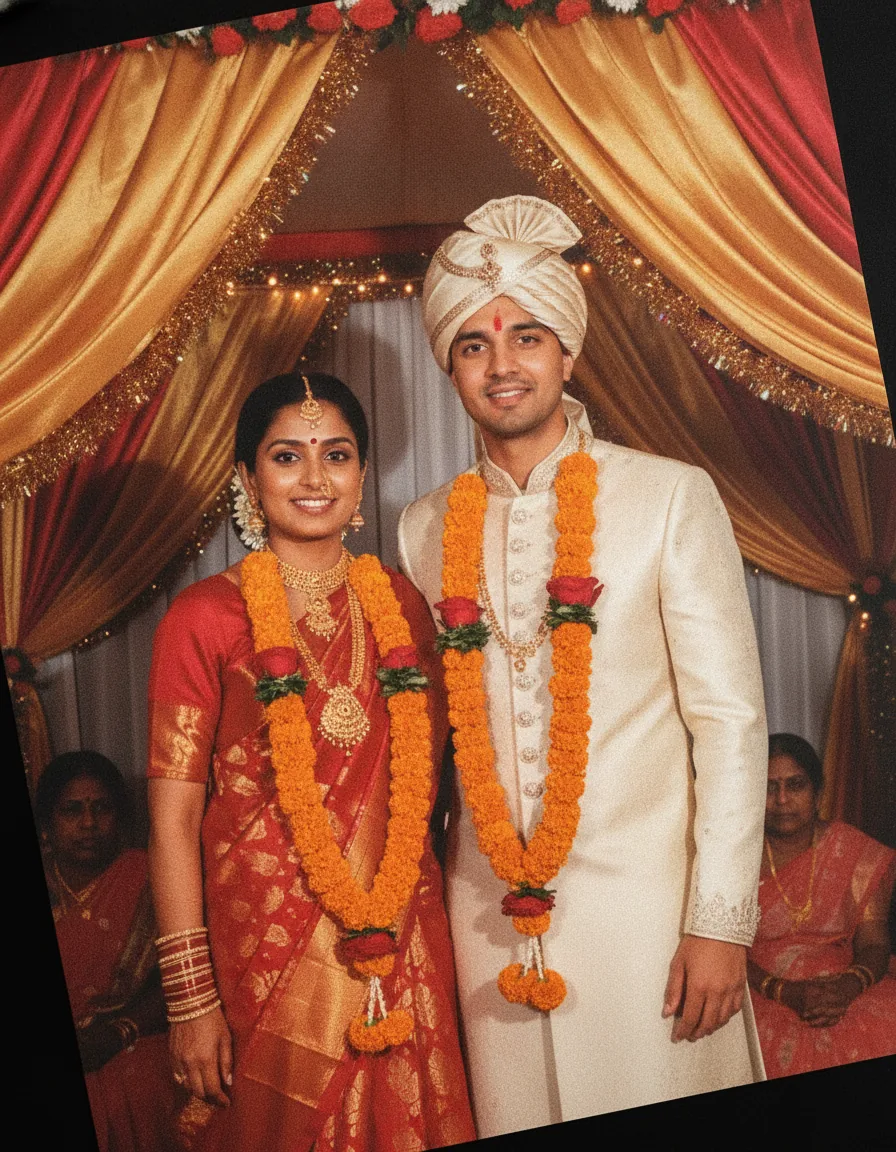
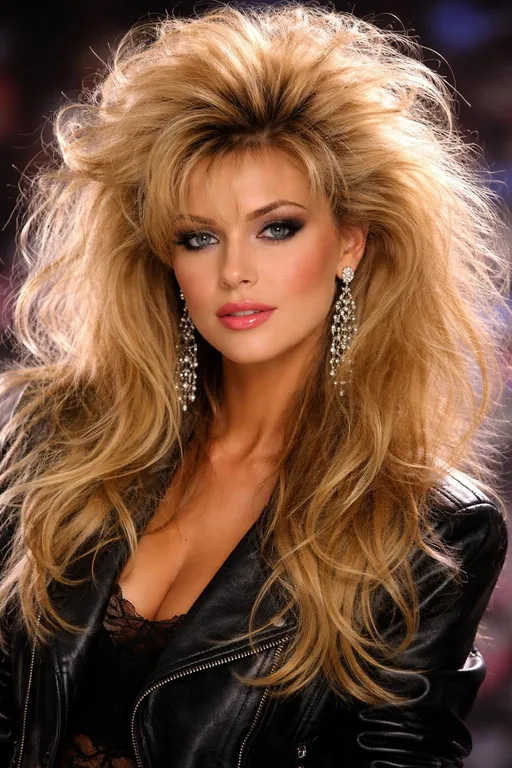
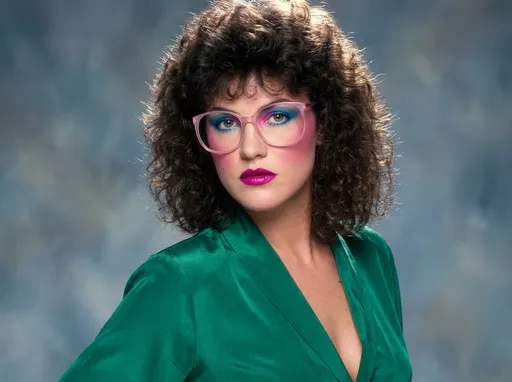
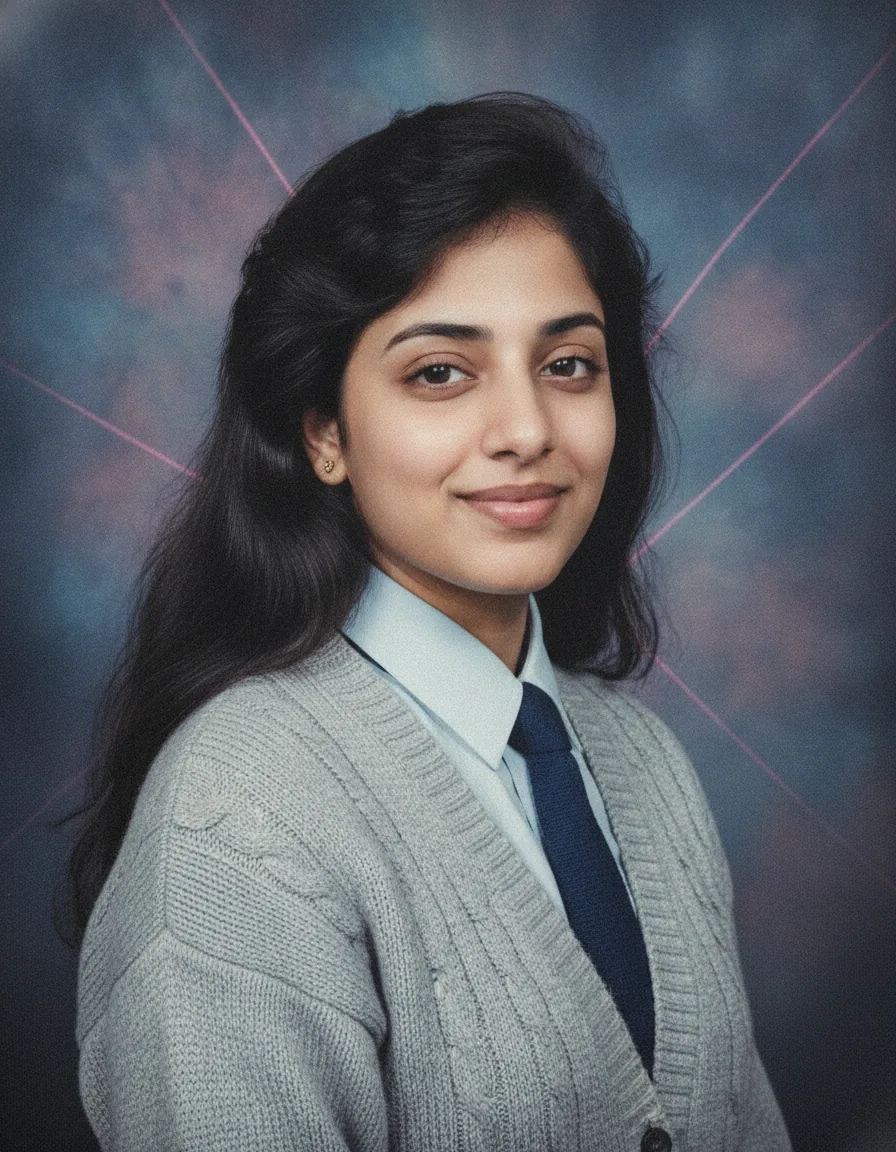
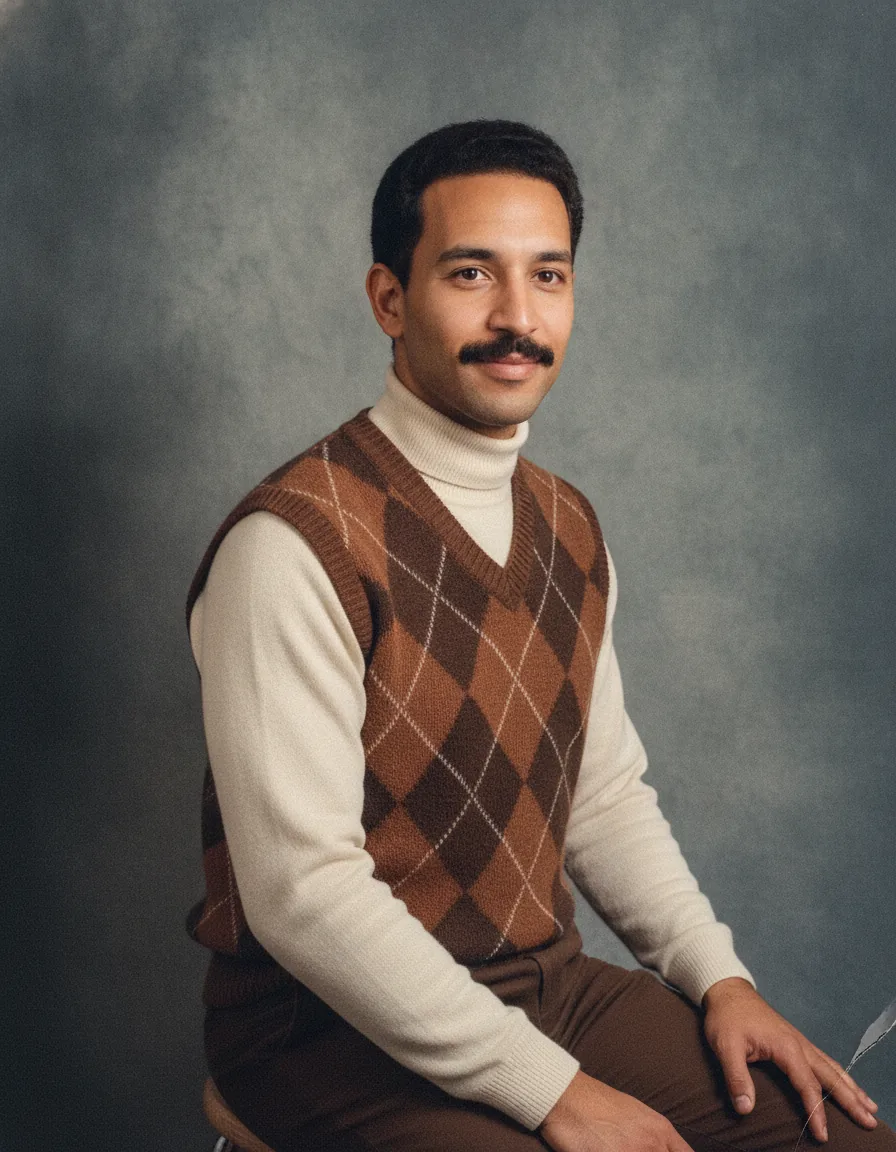
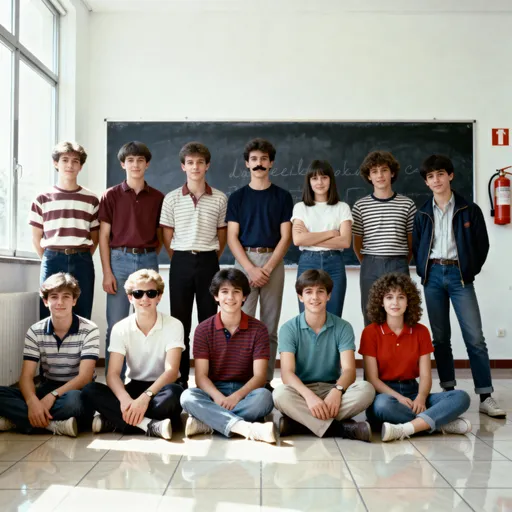
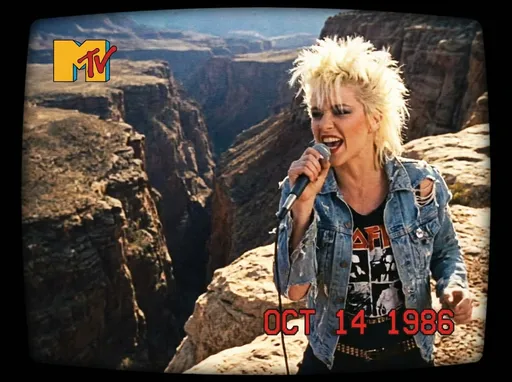
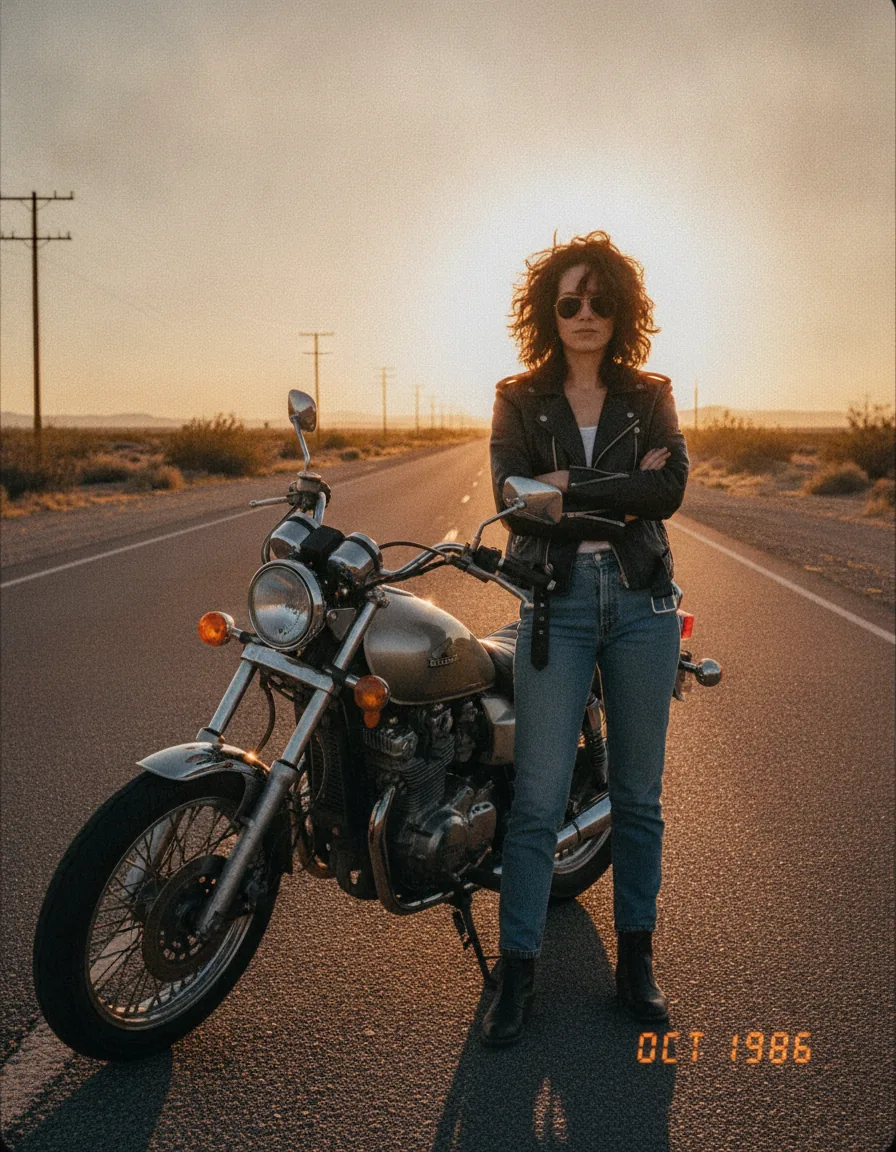
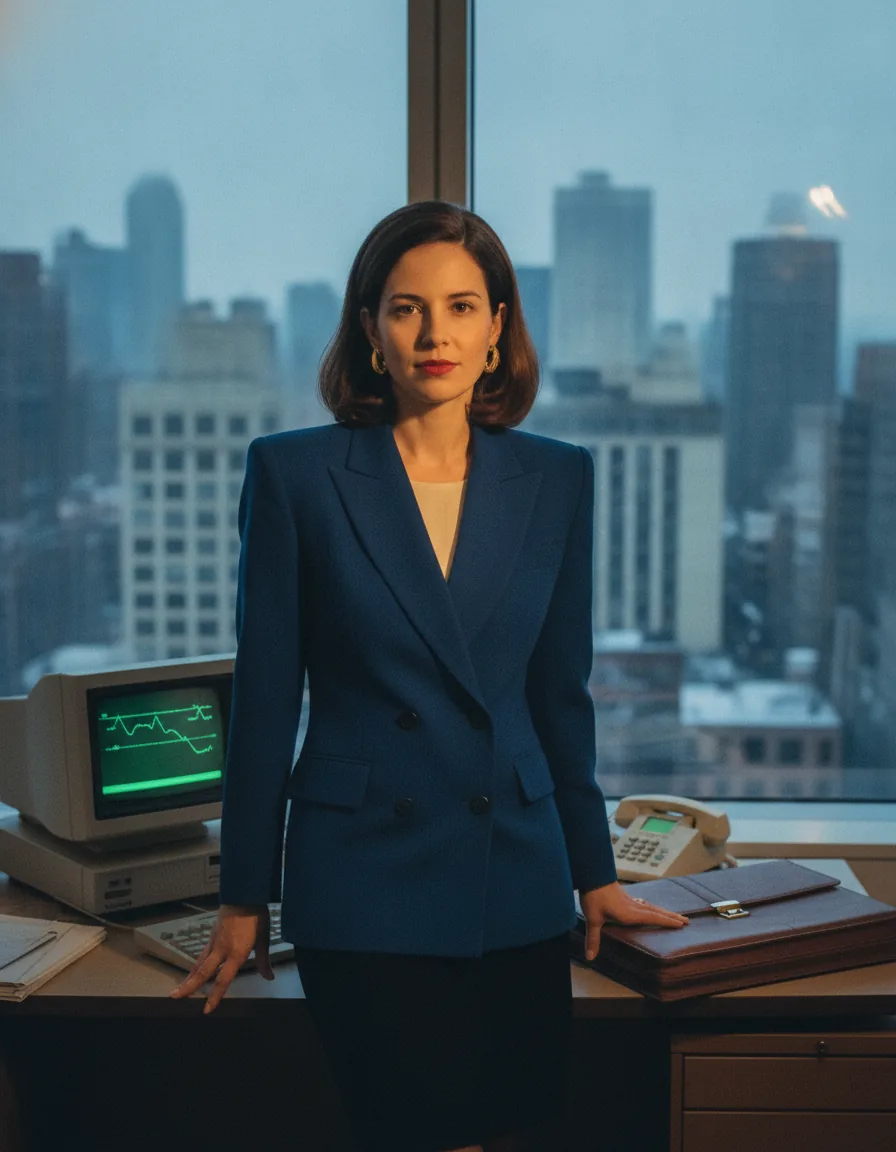
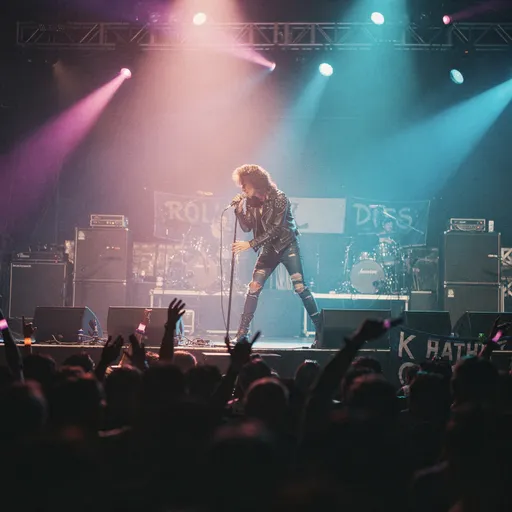
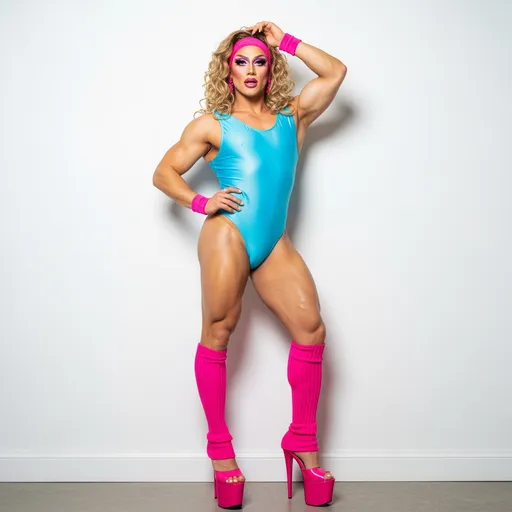
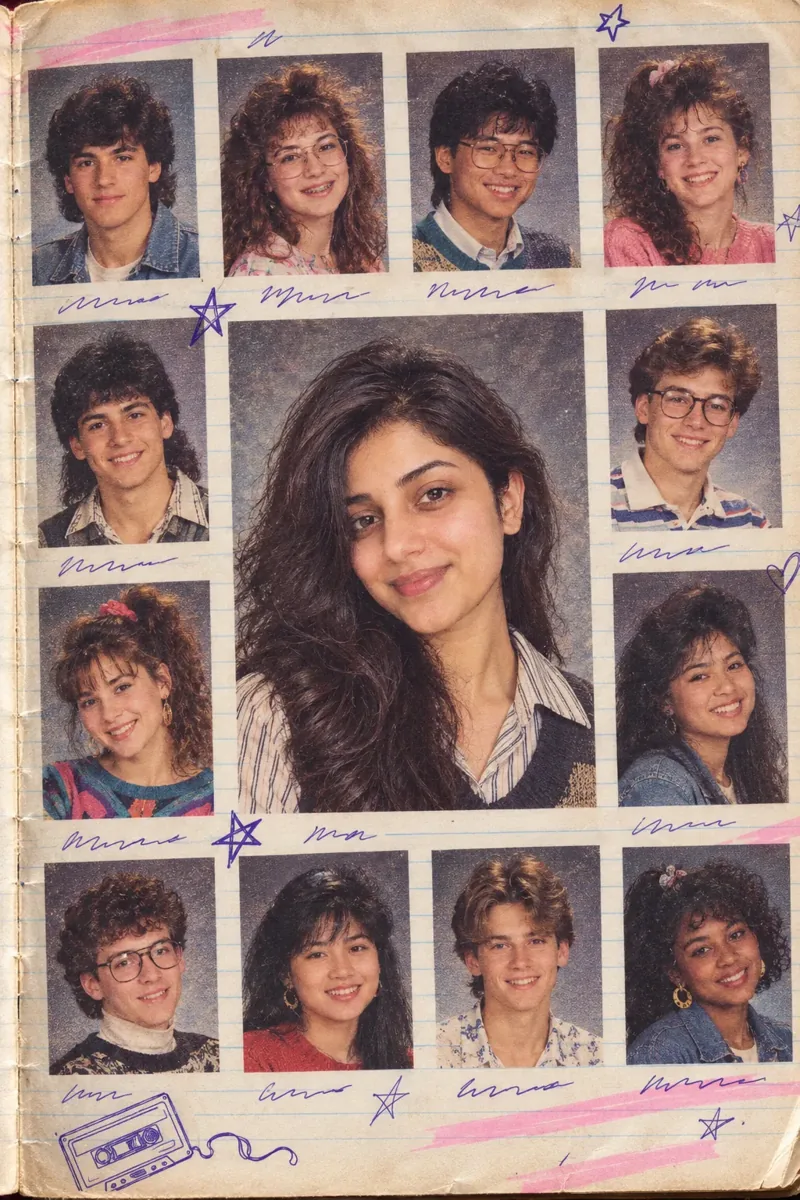
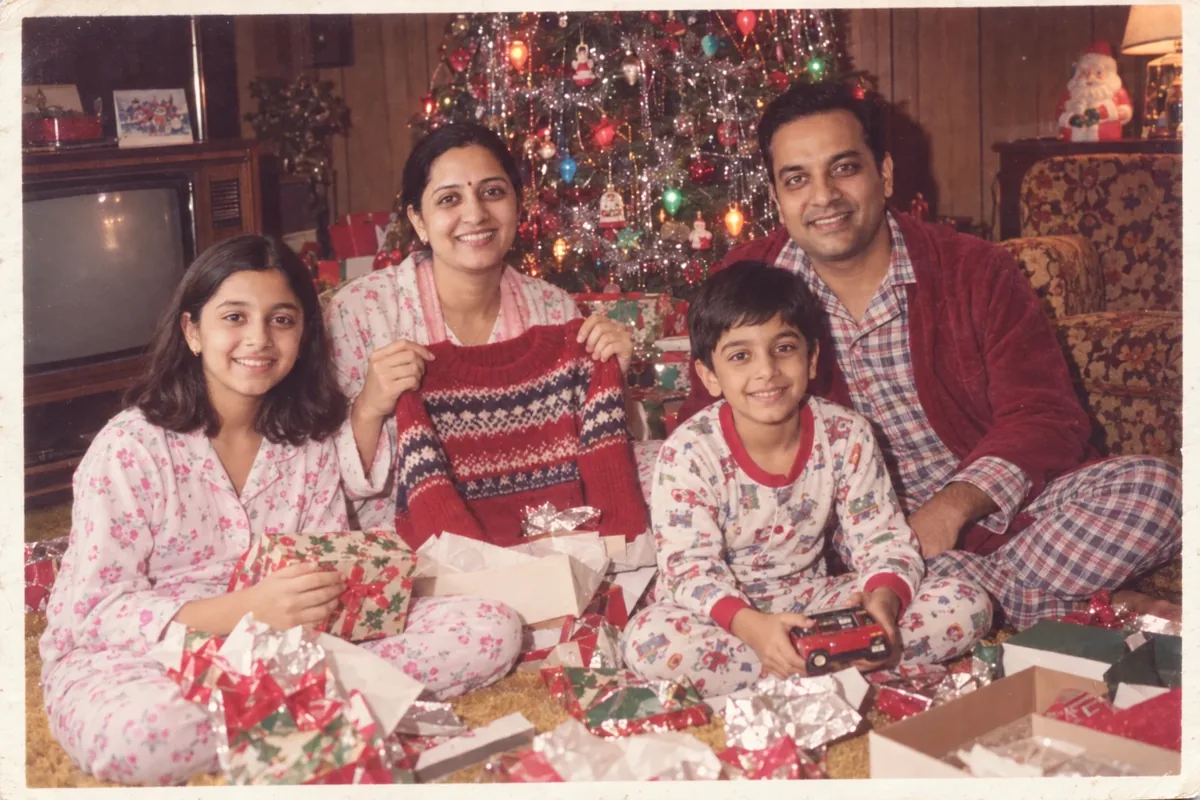
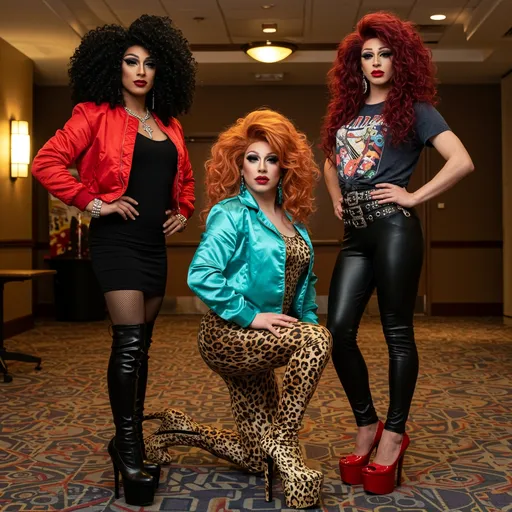
How to use a 1980s photo prompt
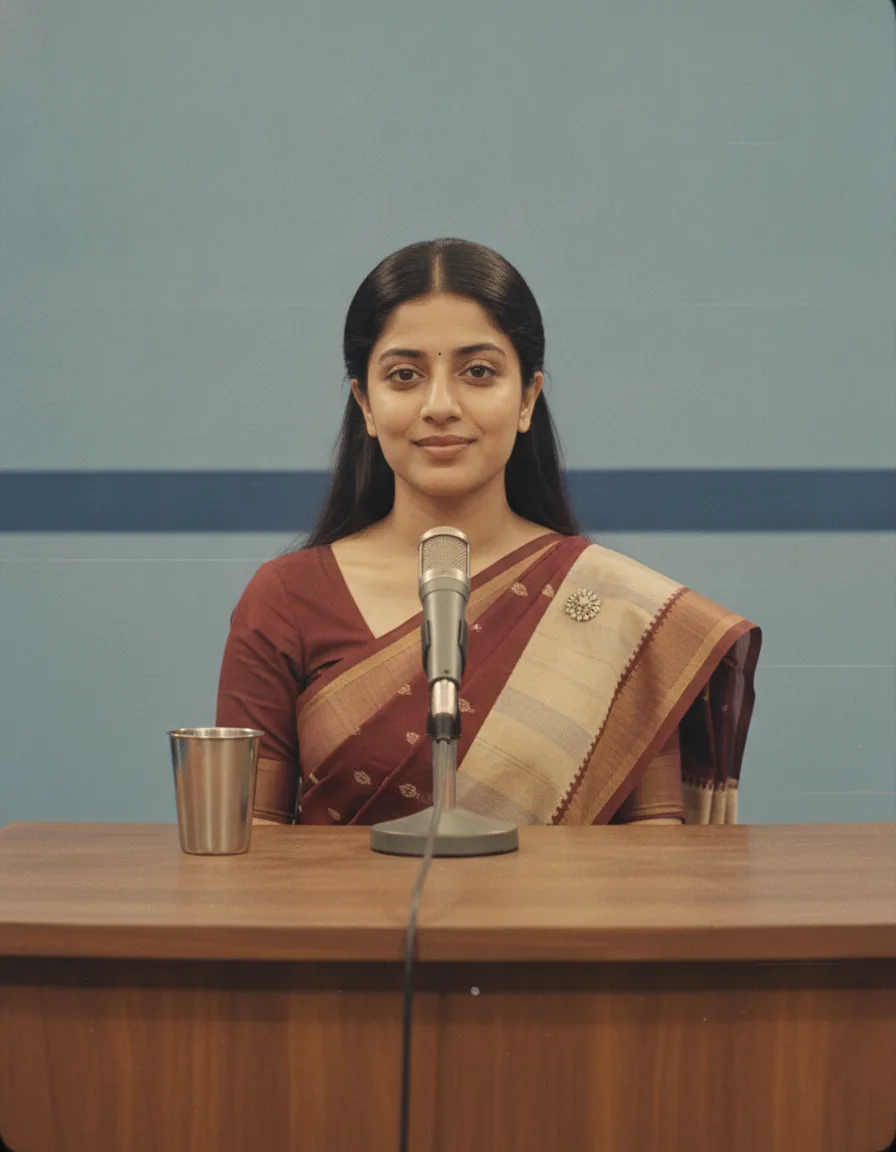
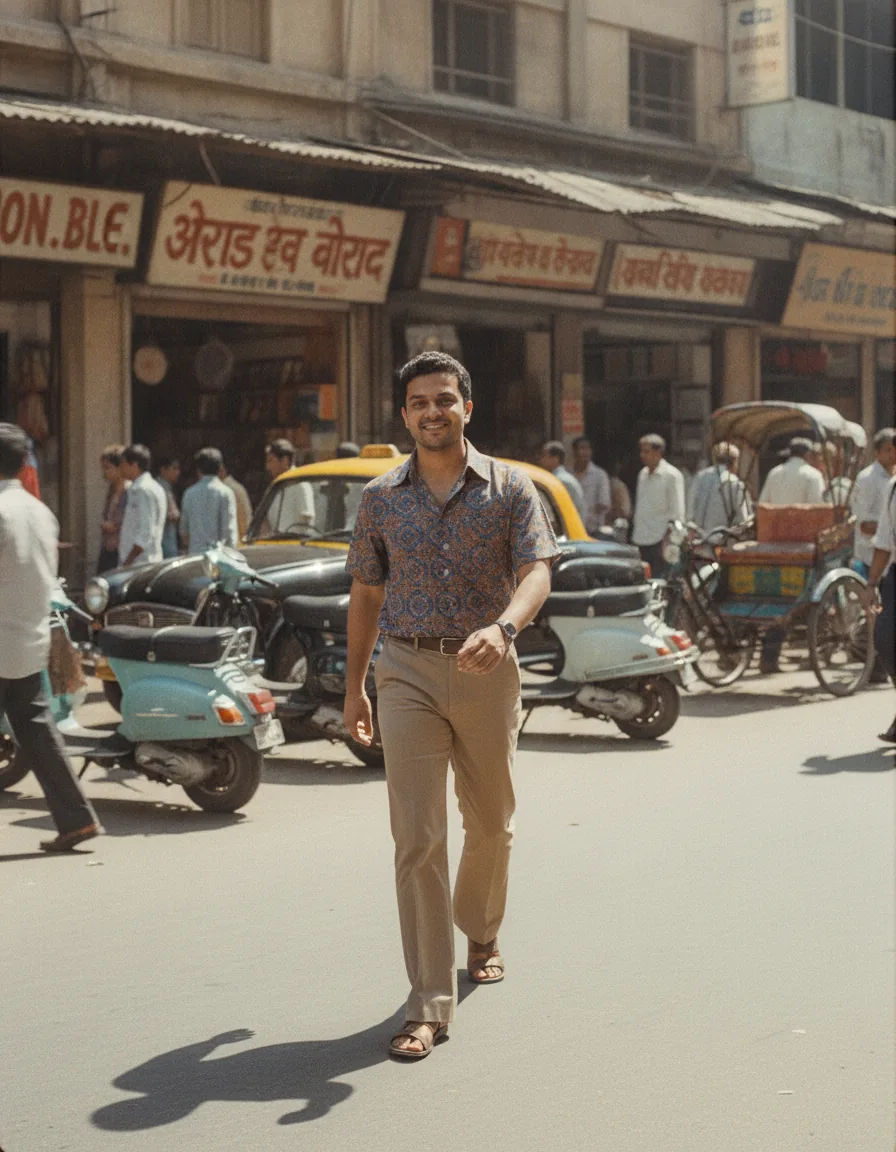
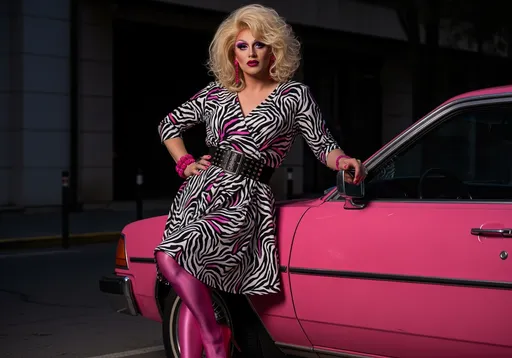
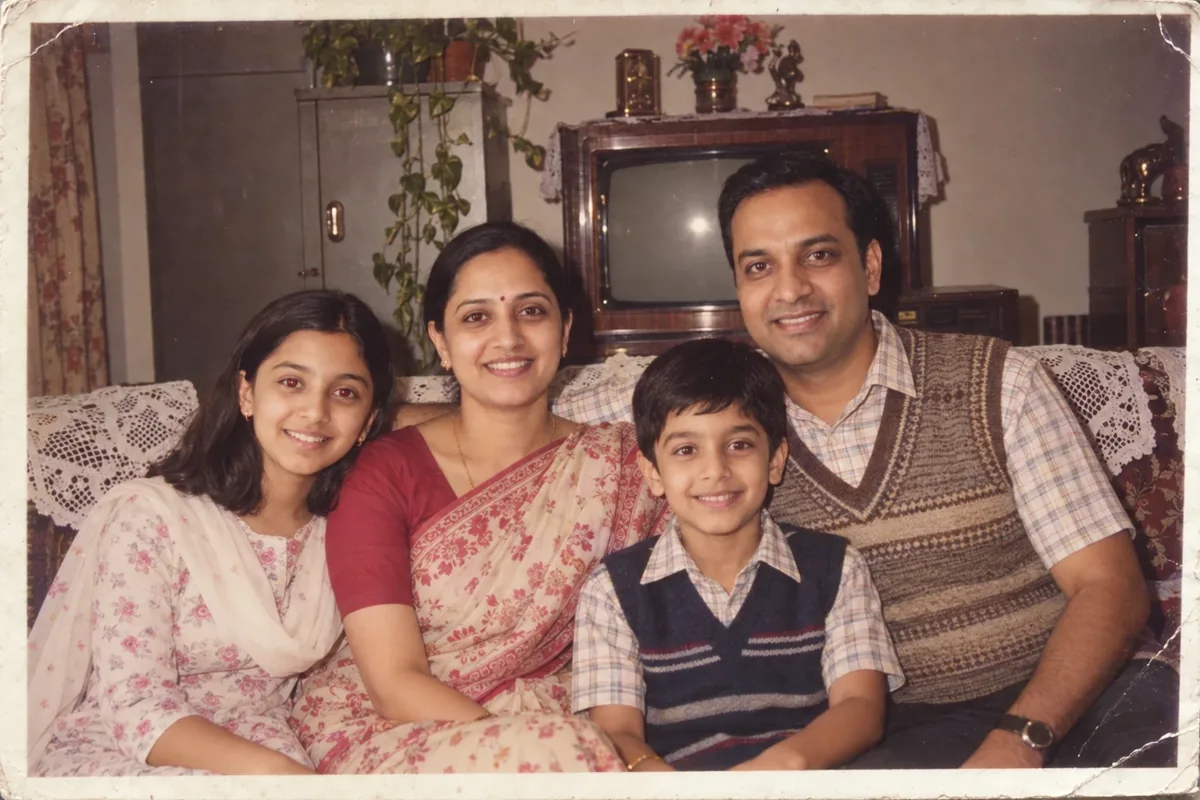
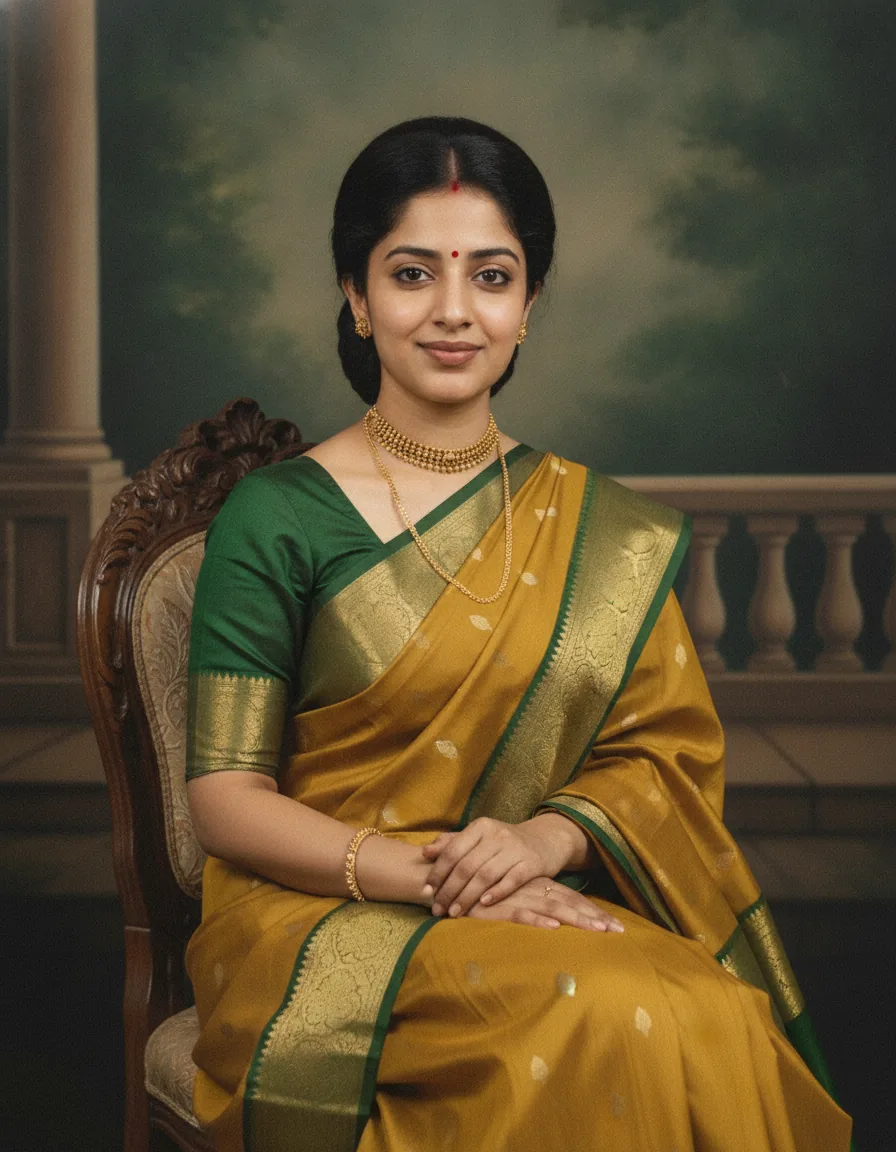
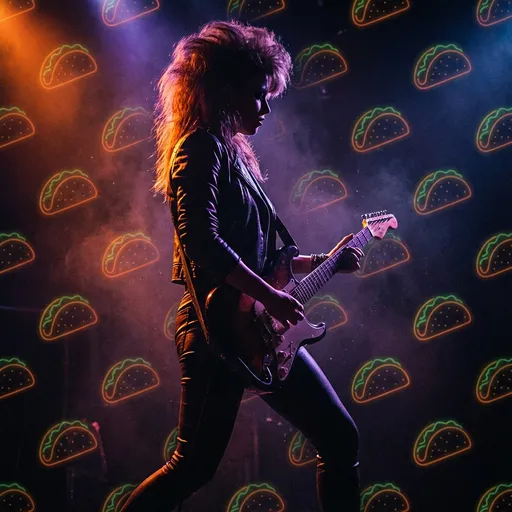
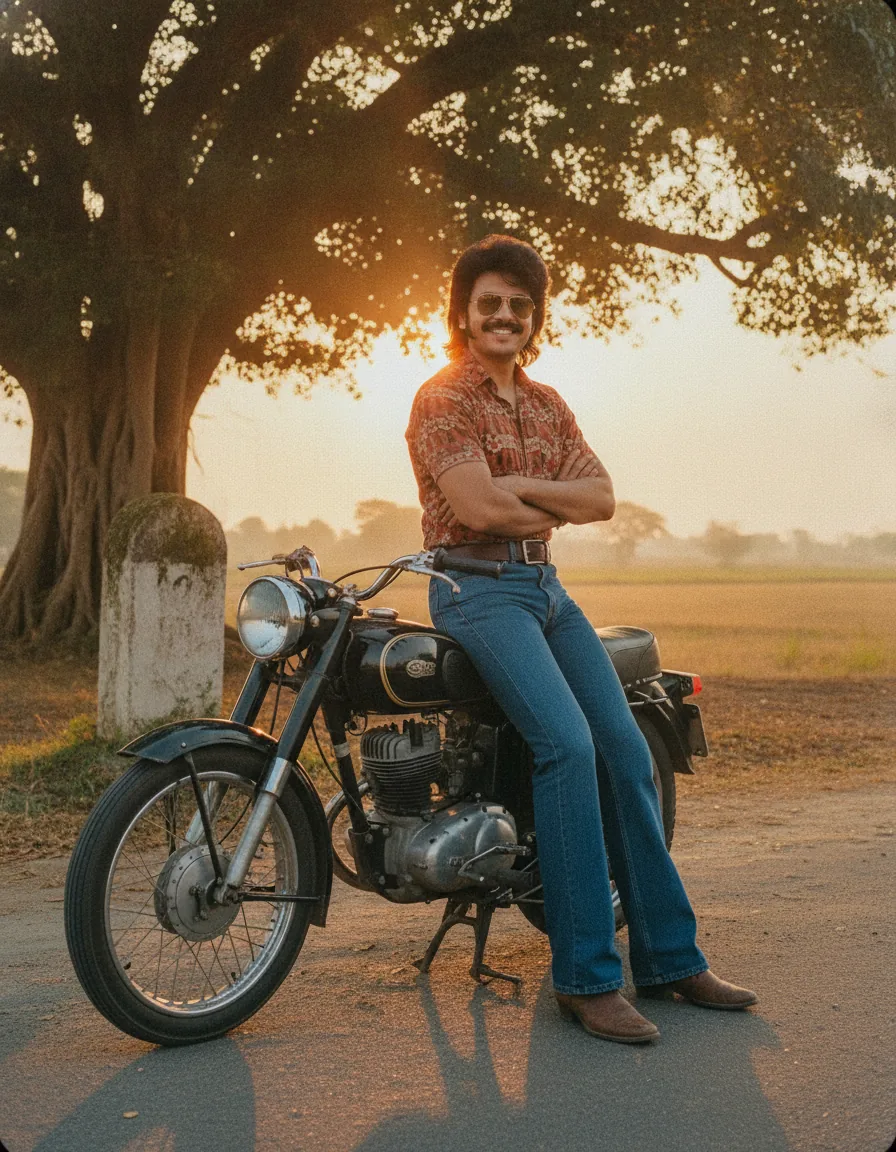
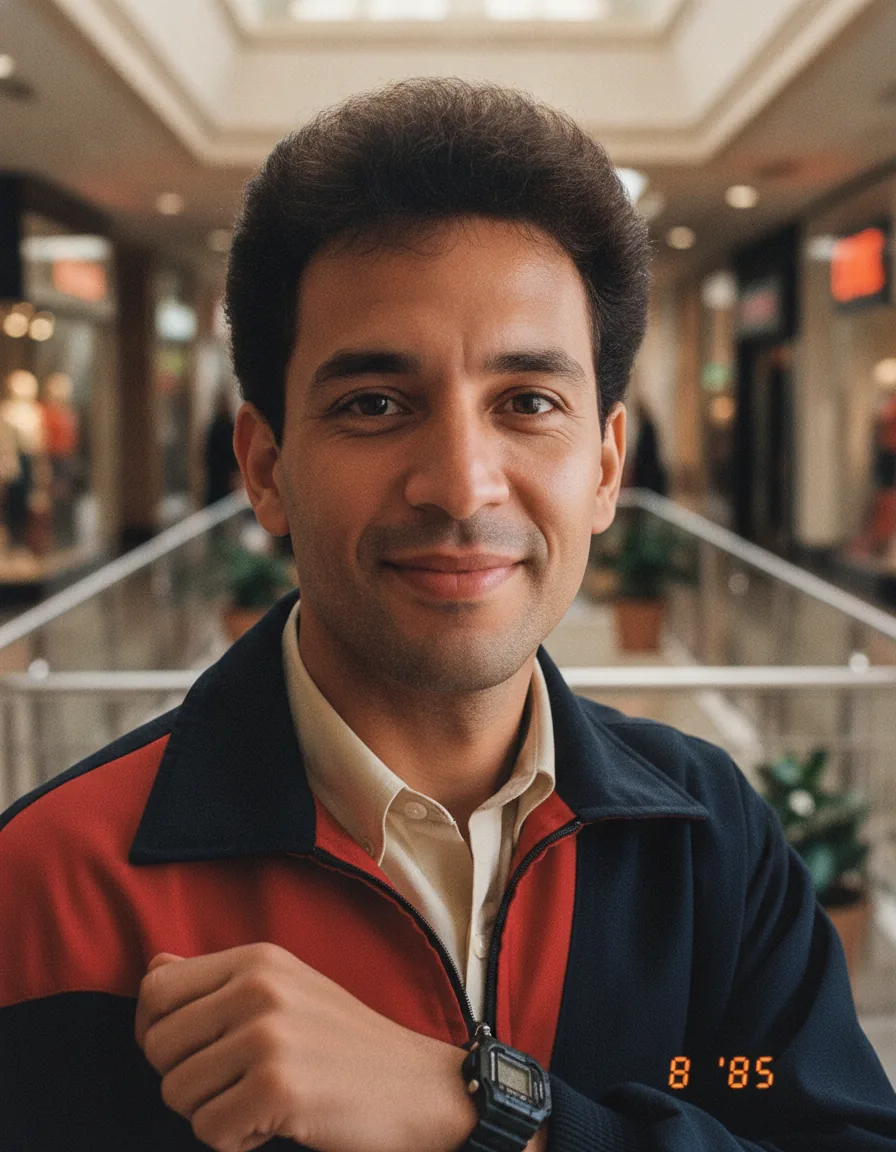
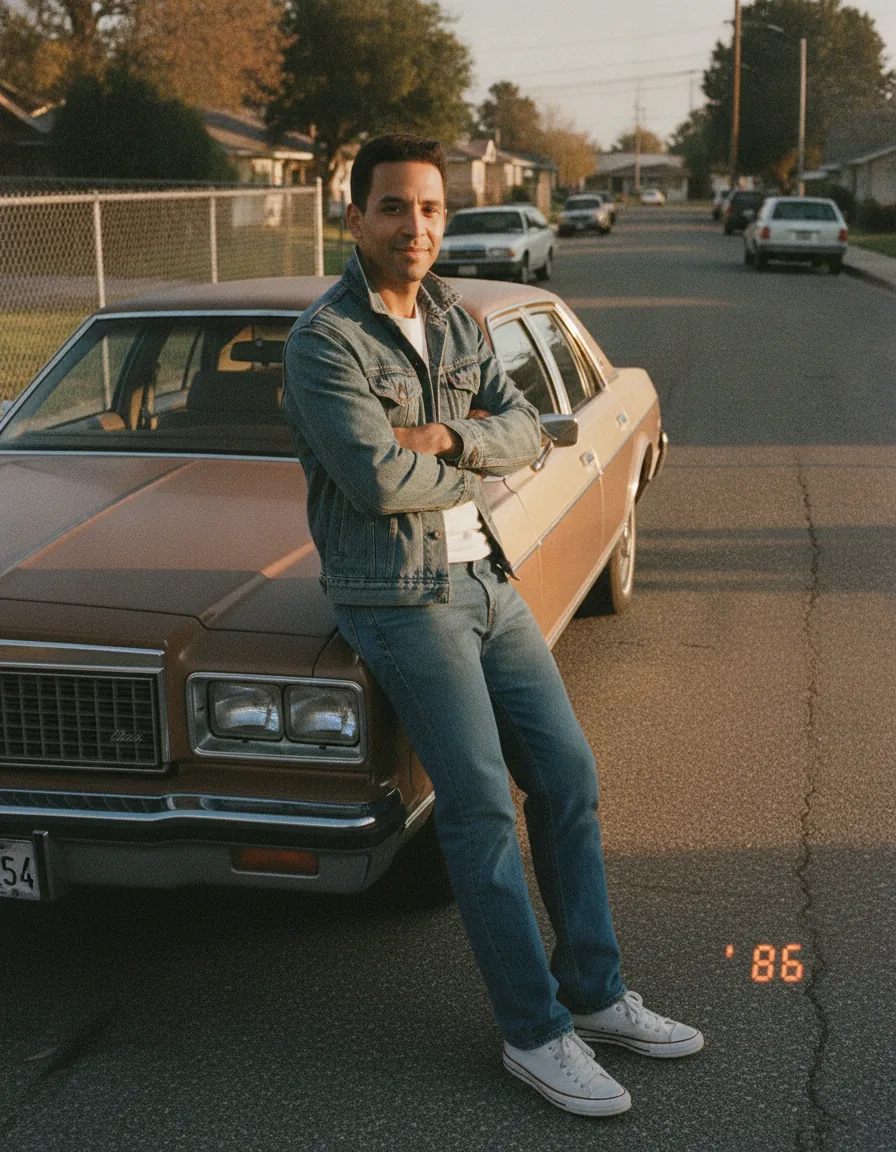
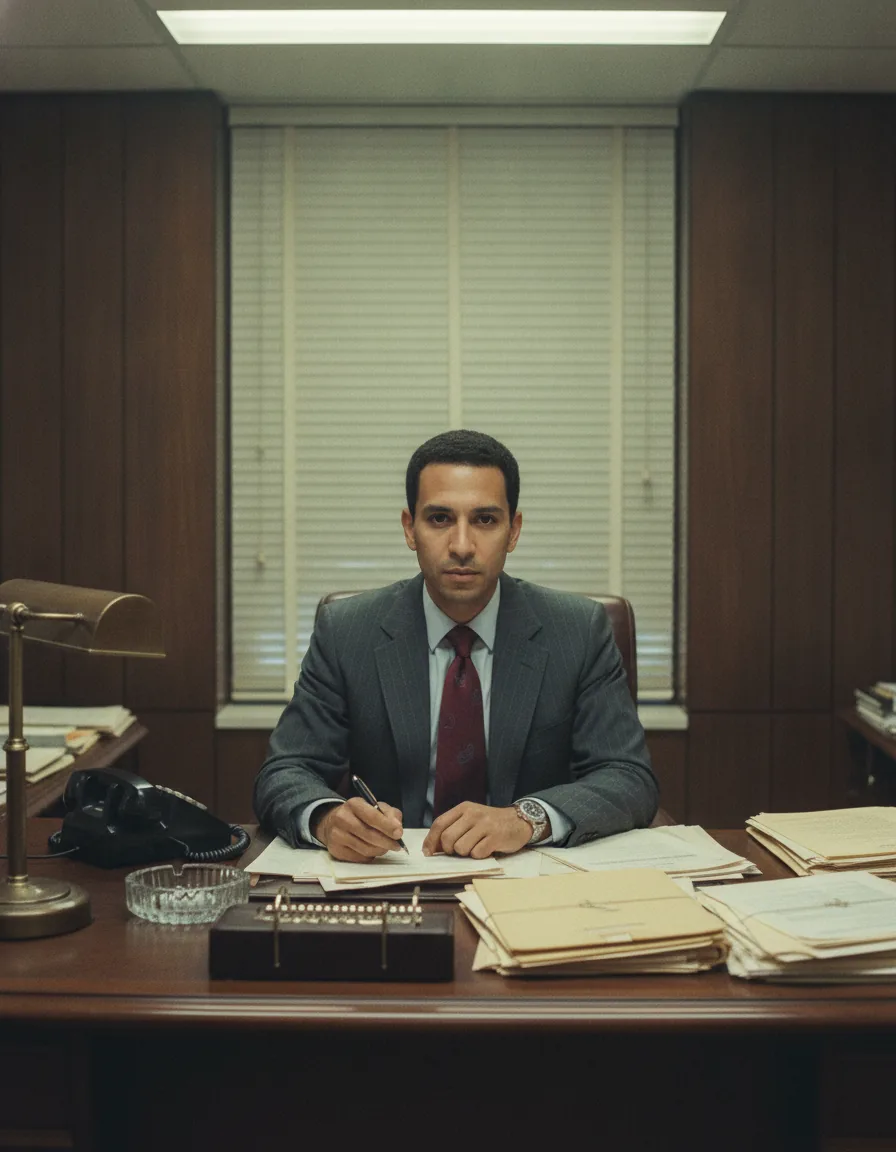
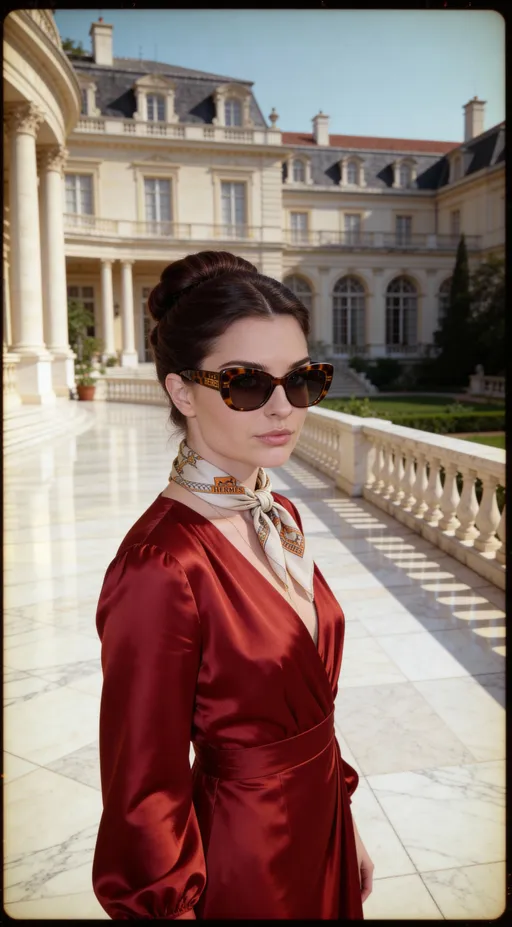
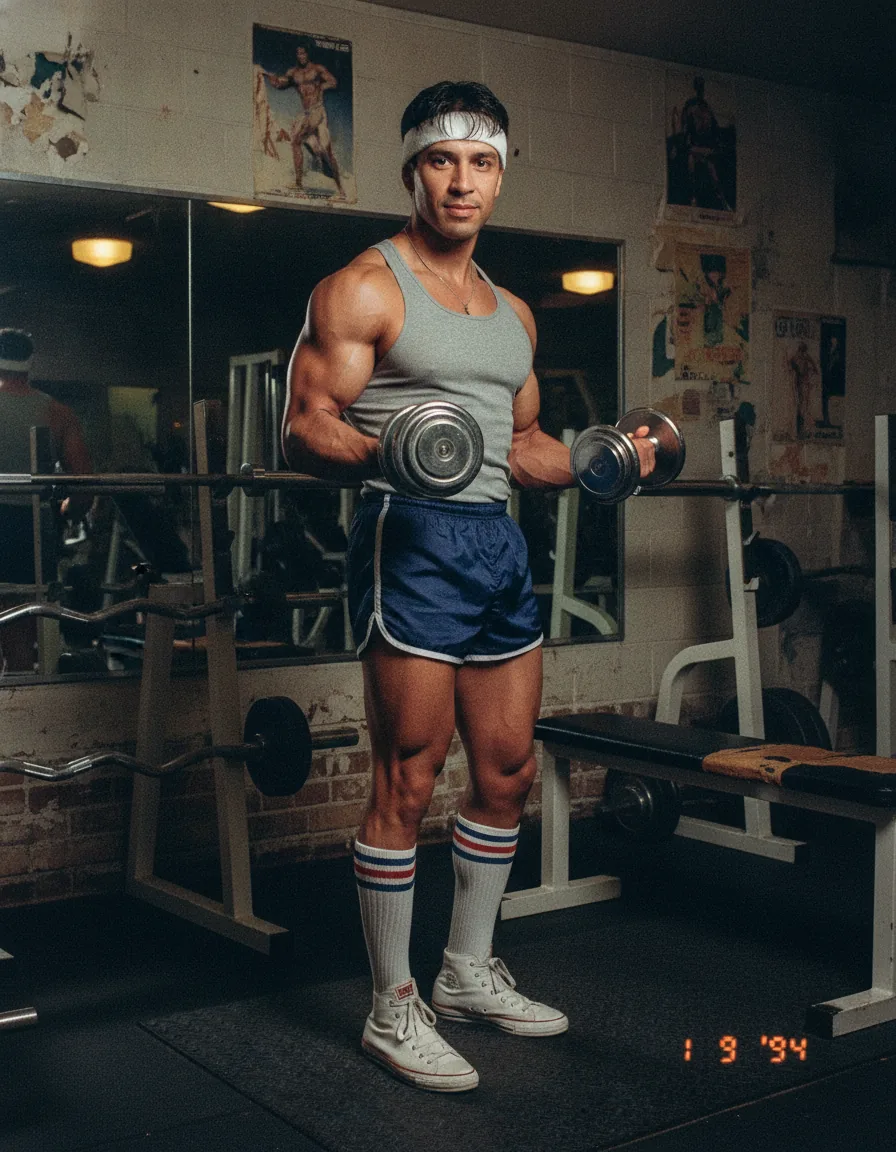
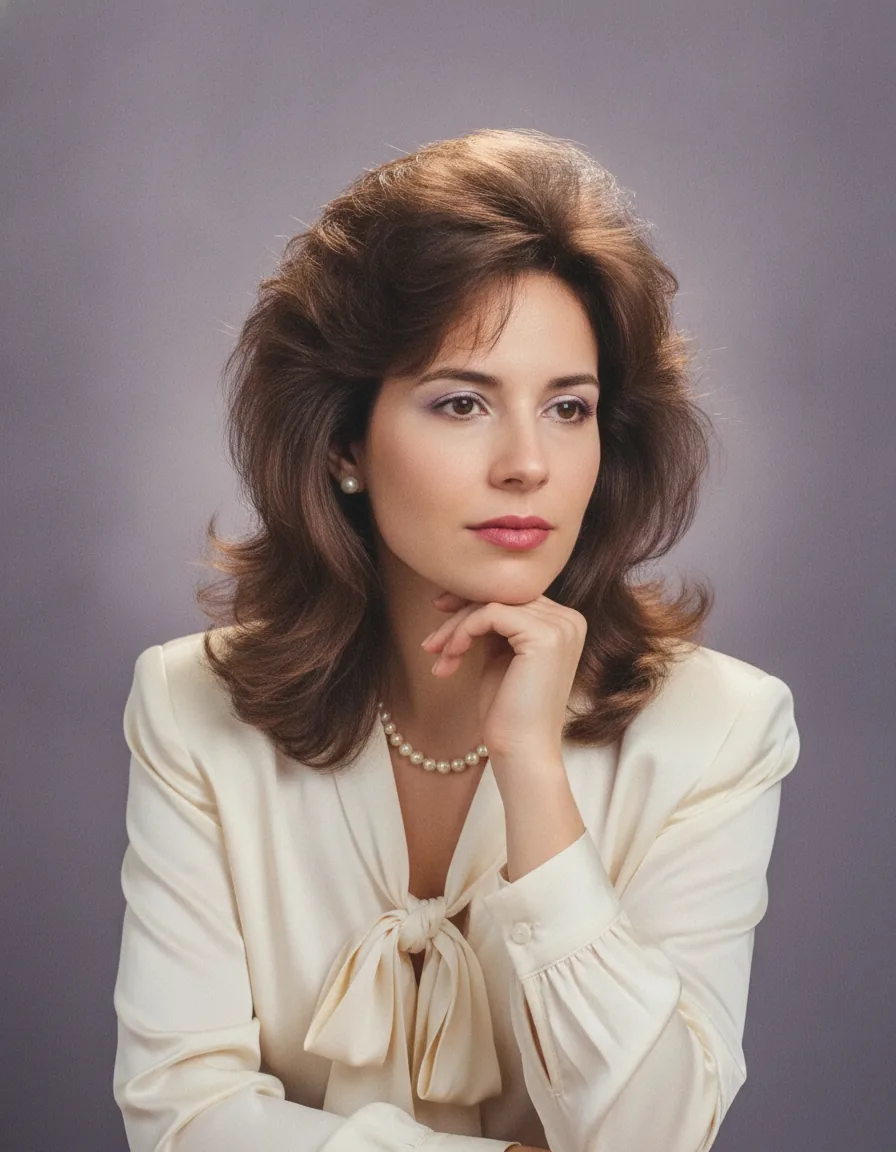
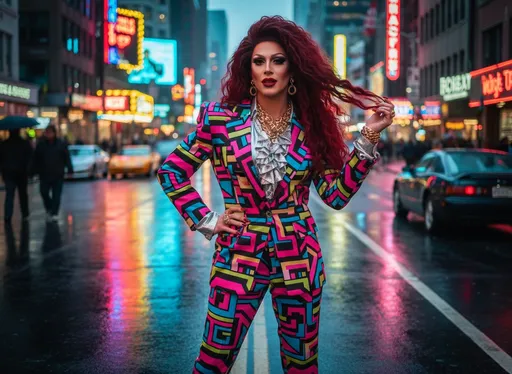
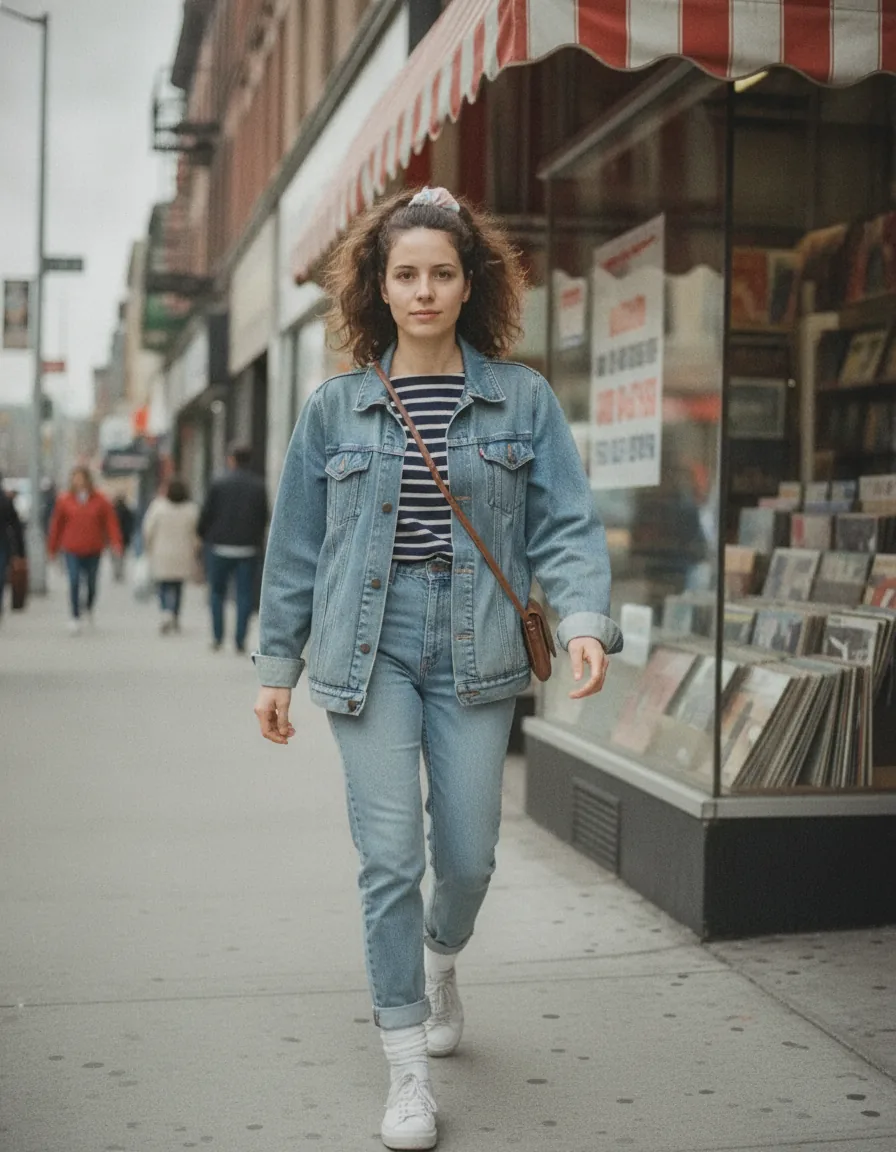
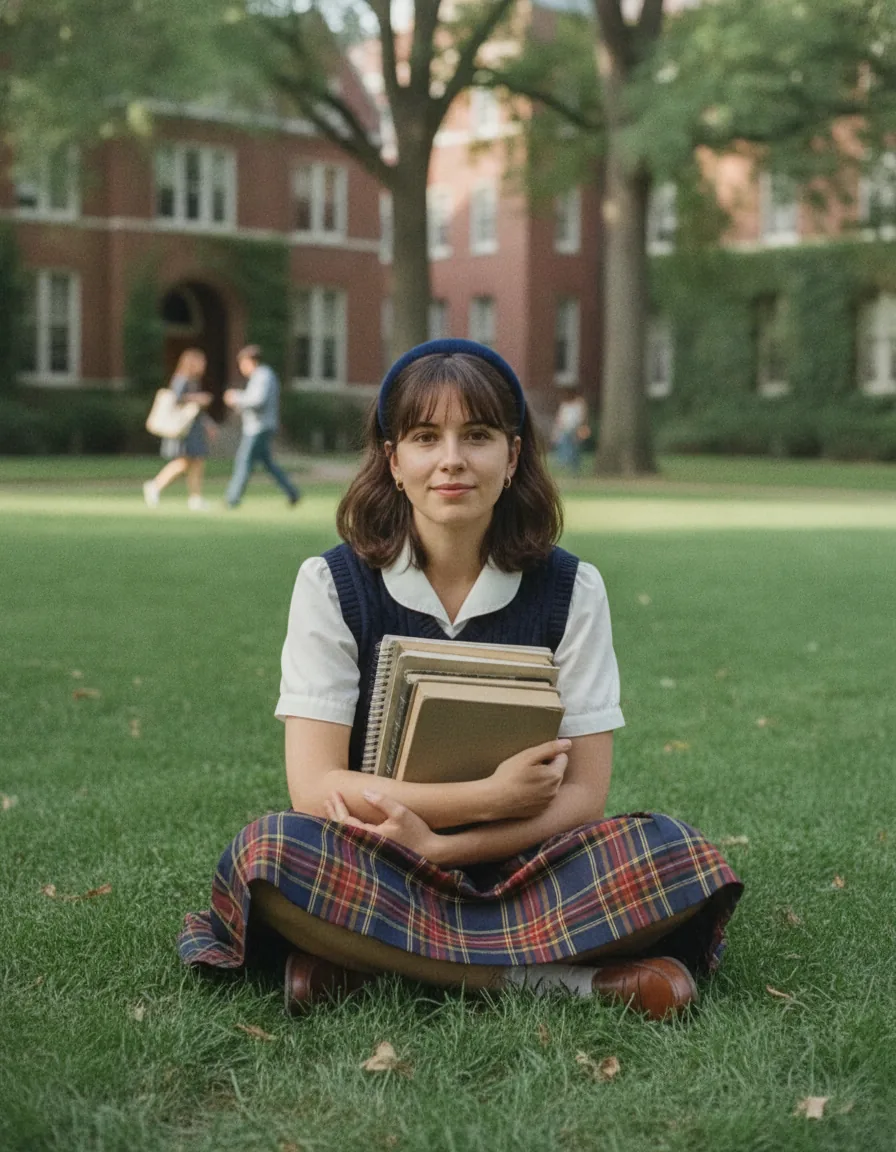
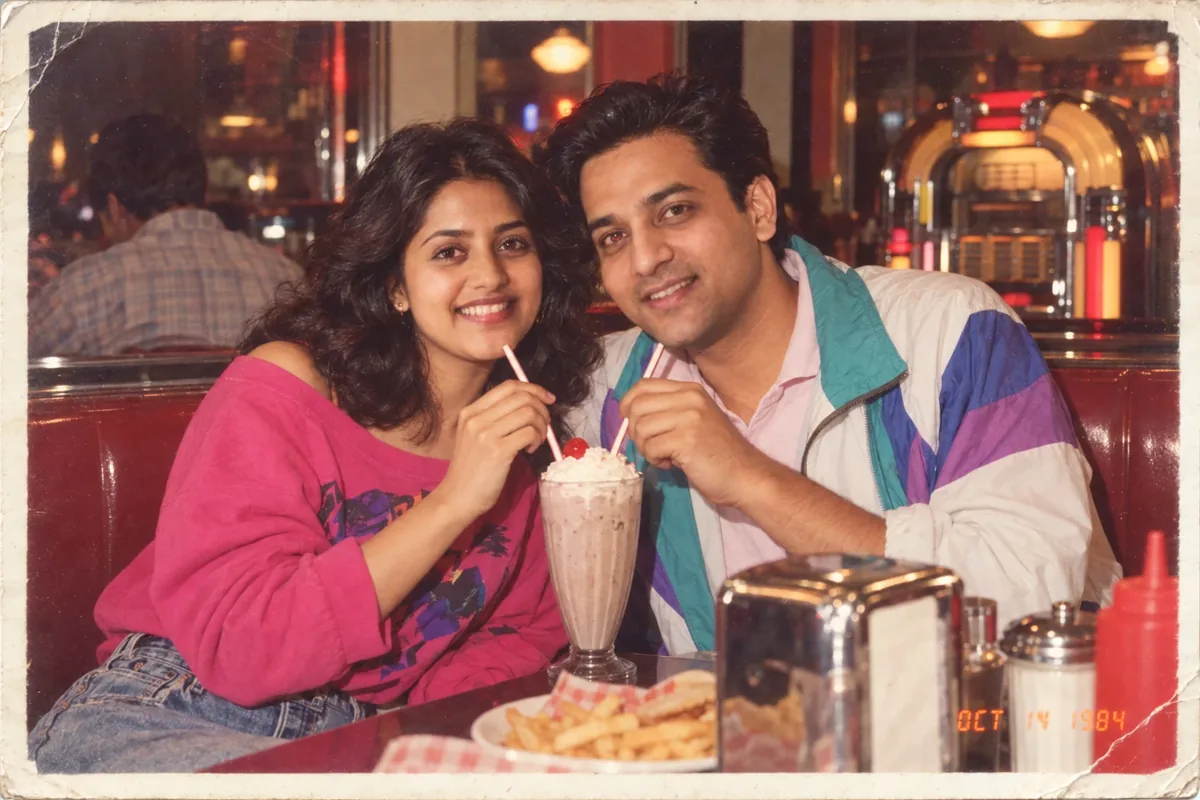
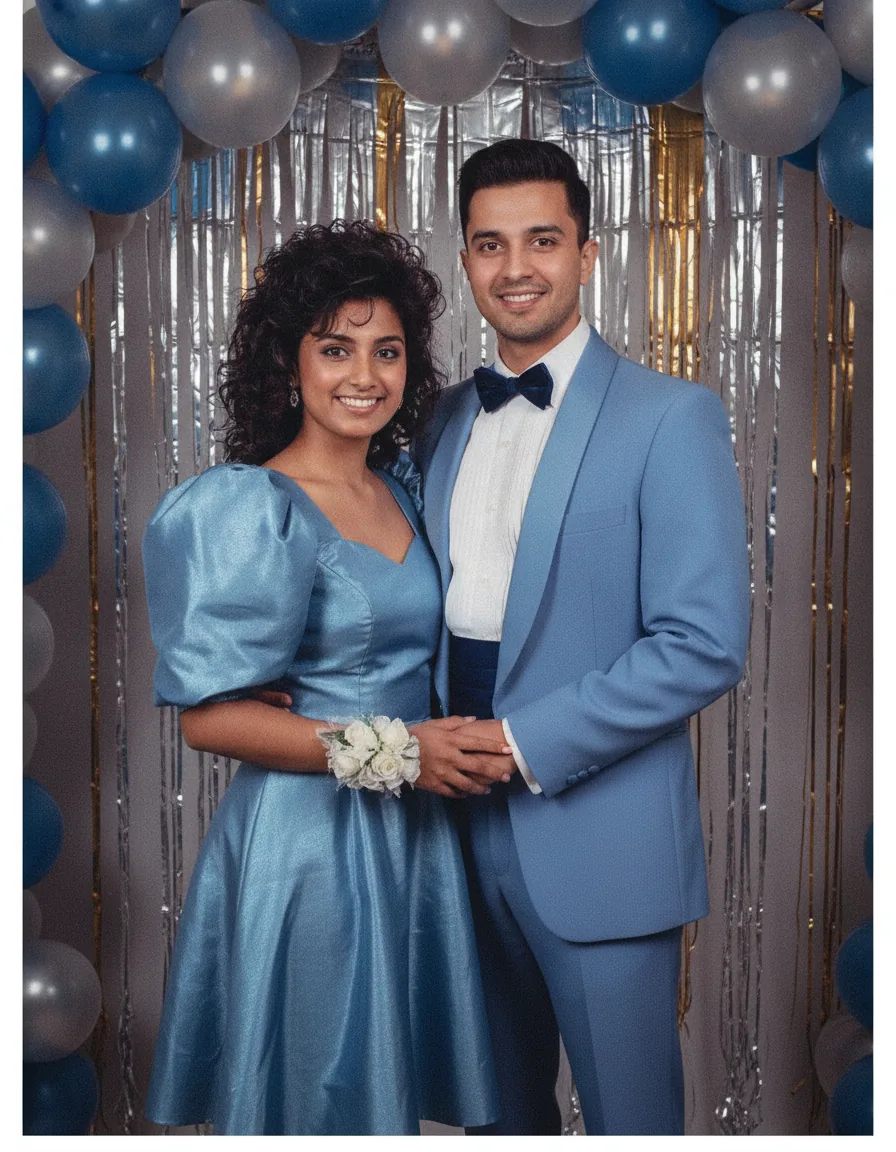
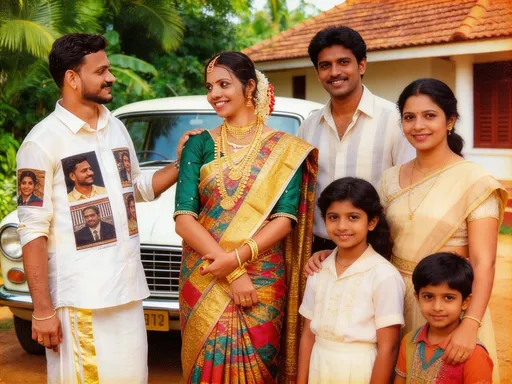
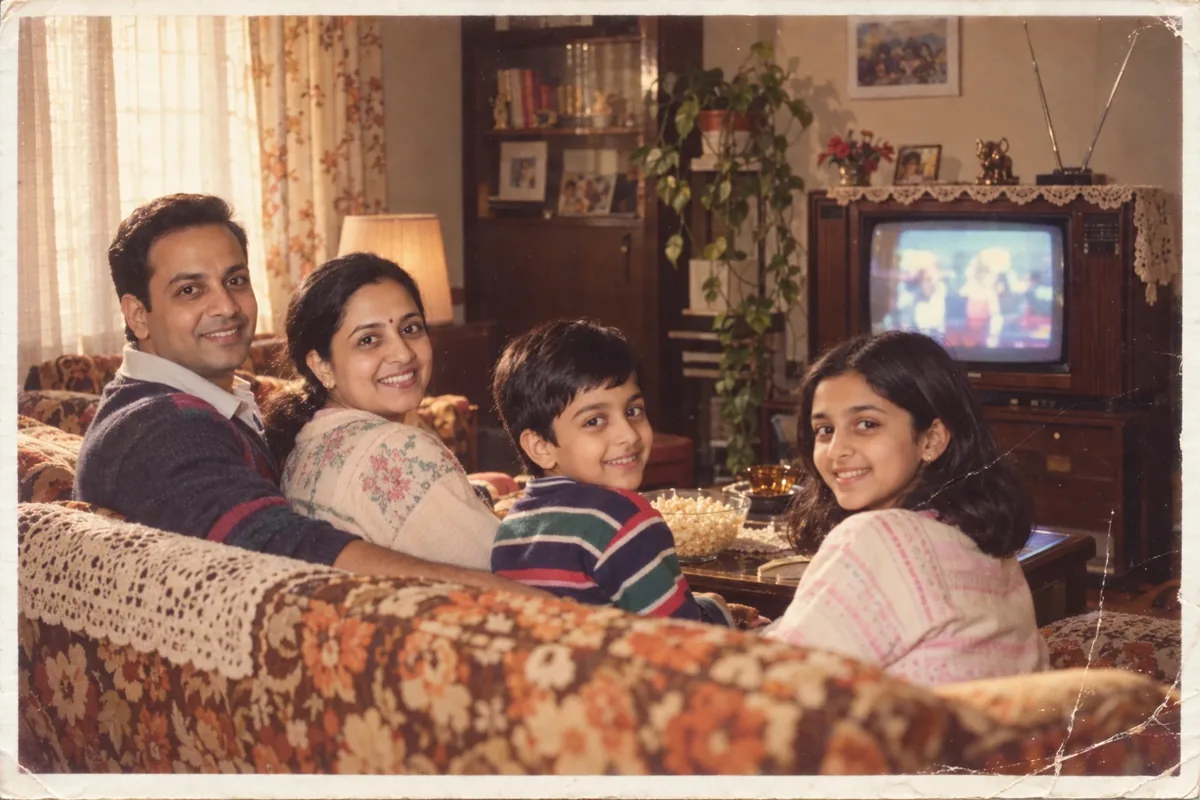
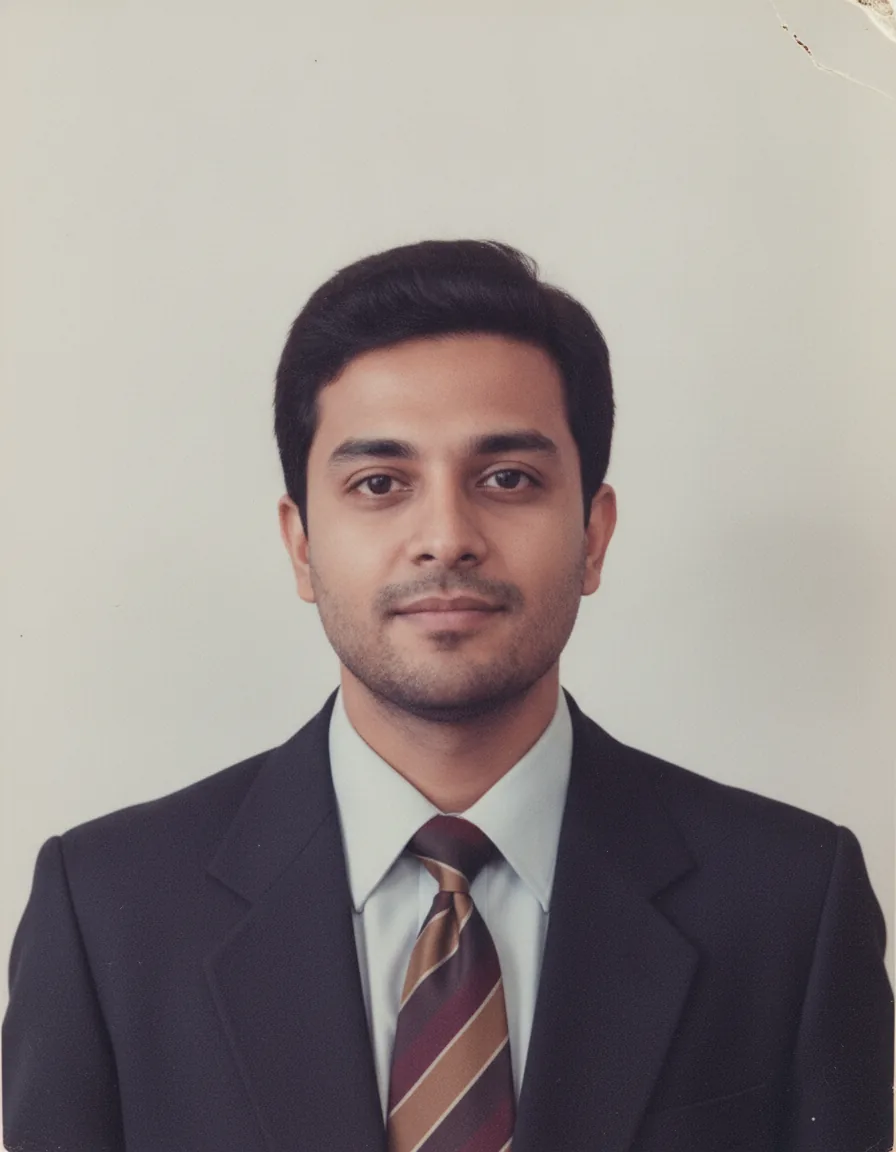
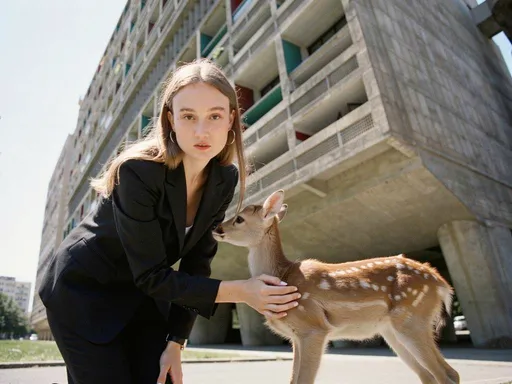
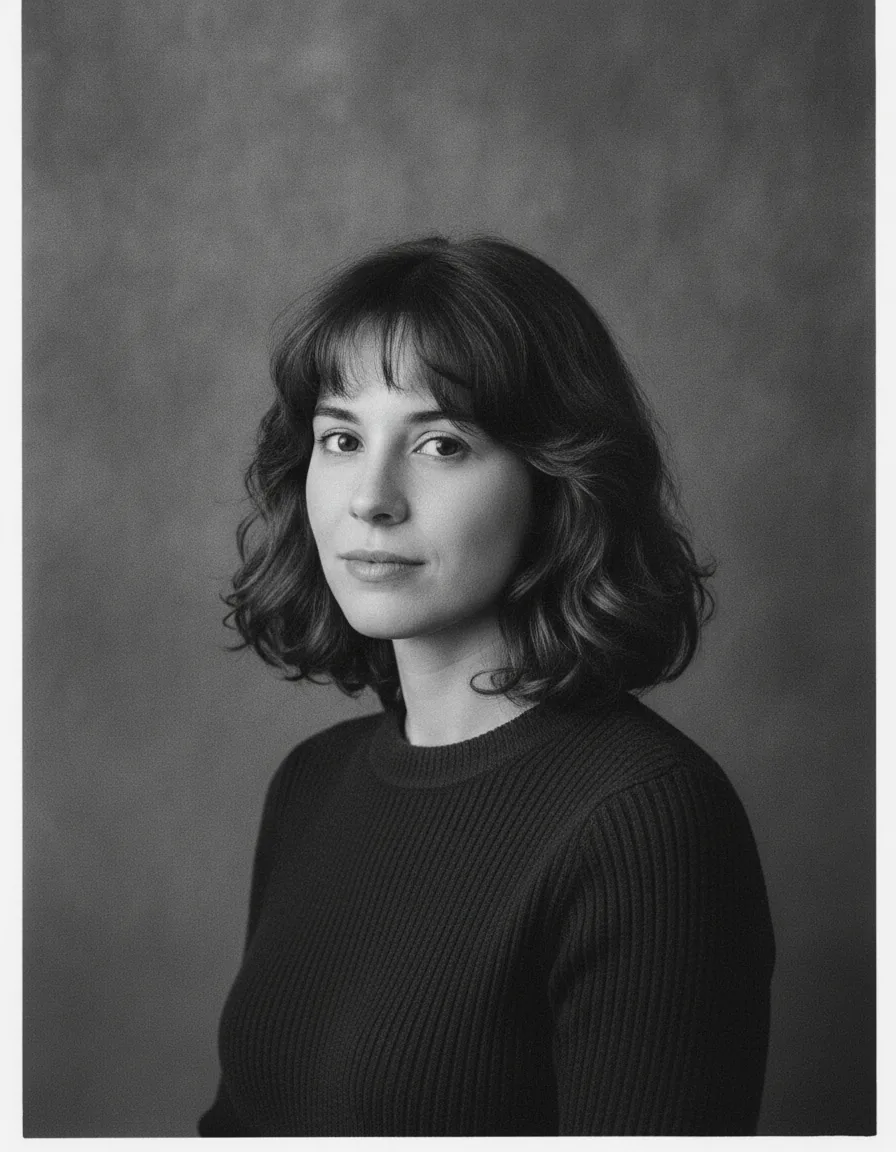
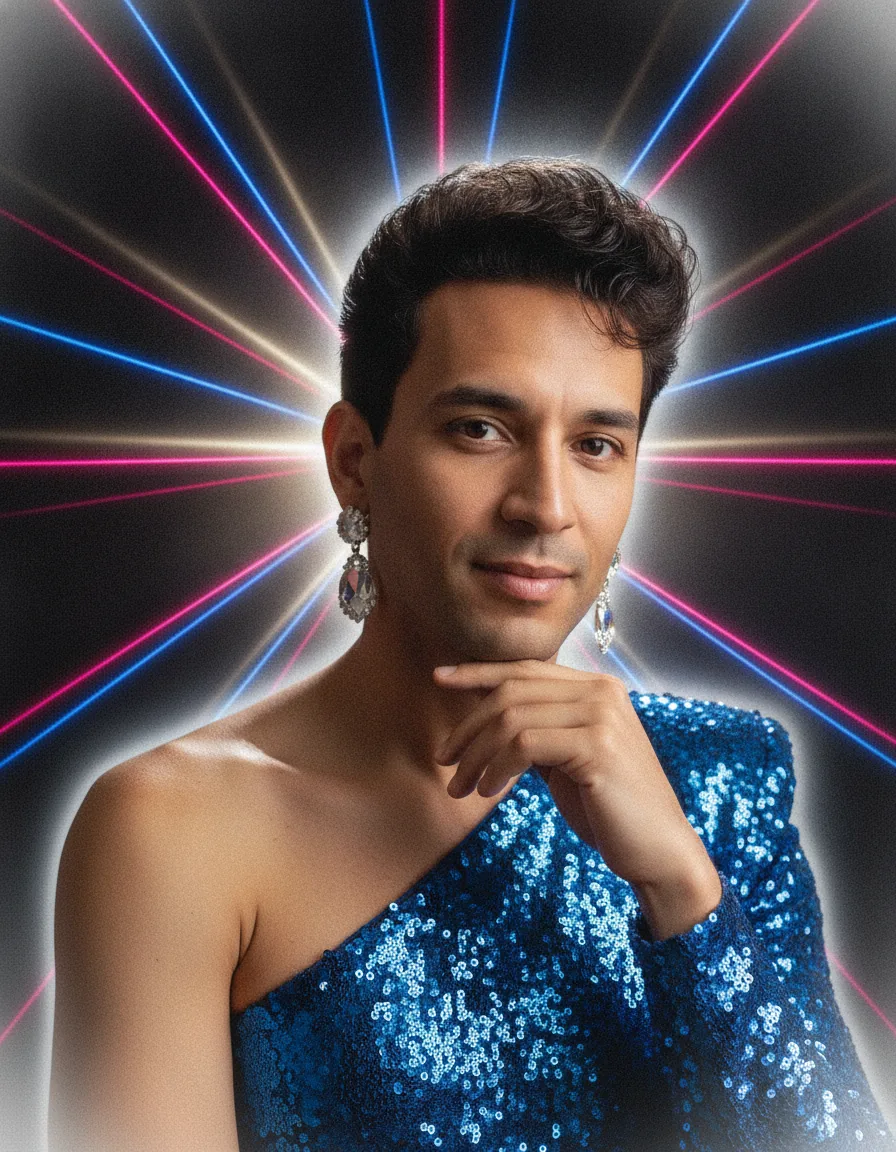
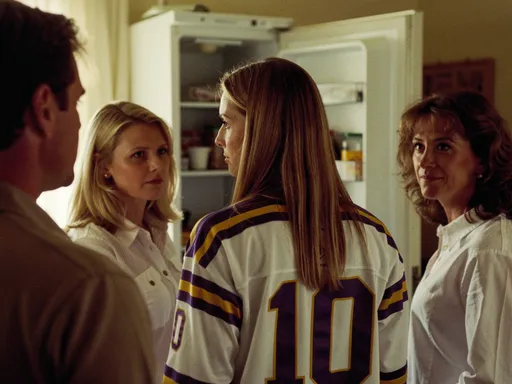
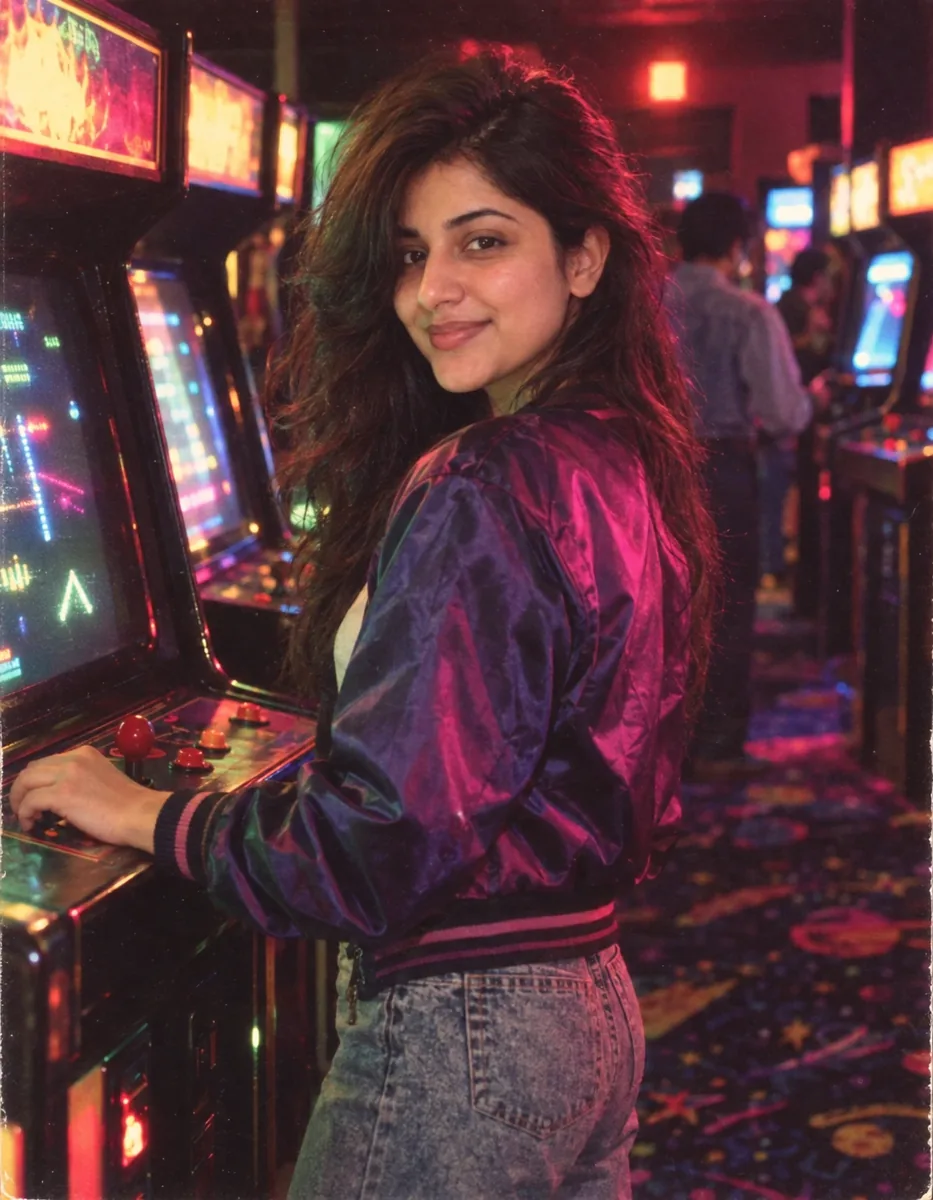
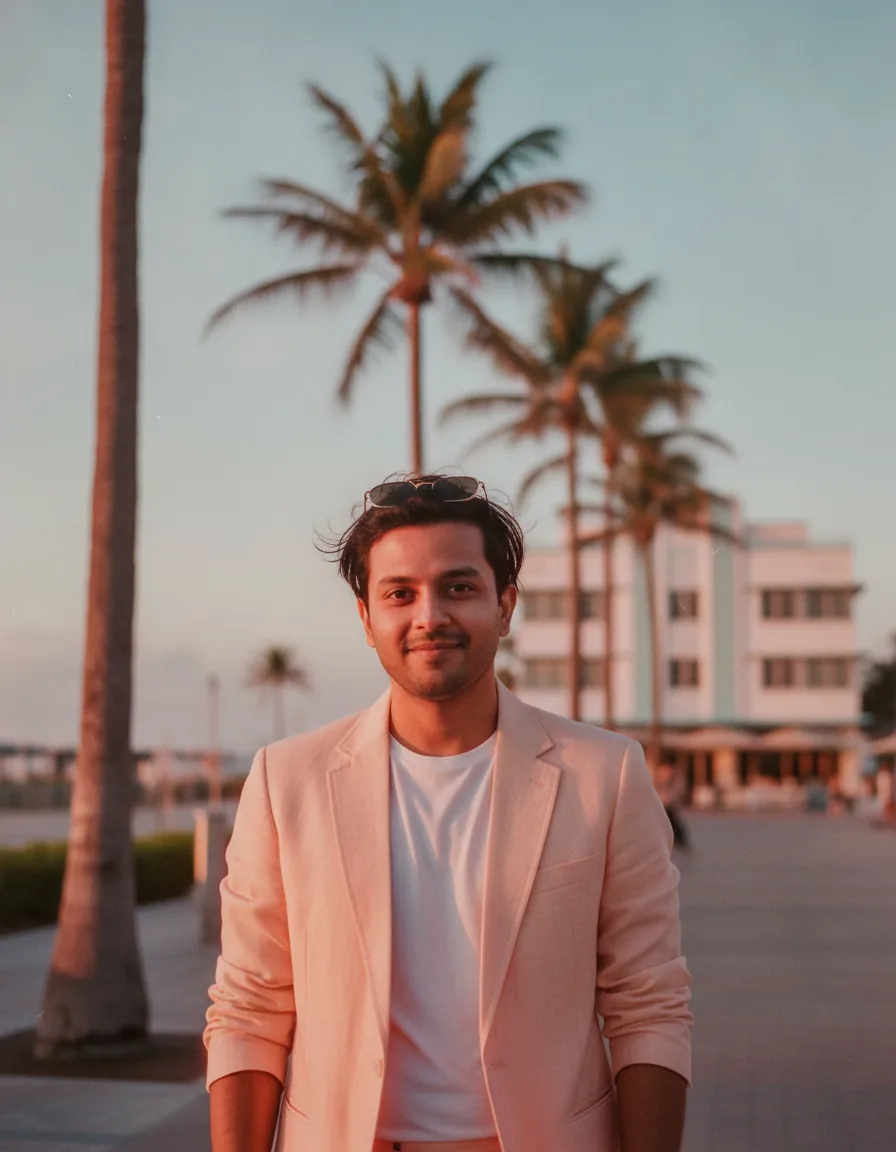
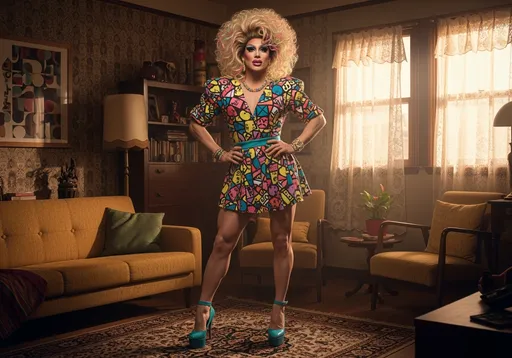
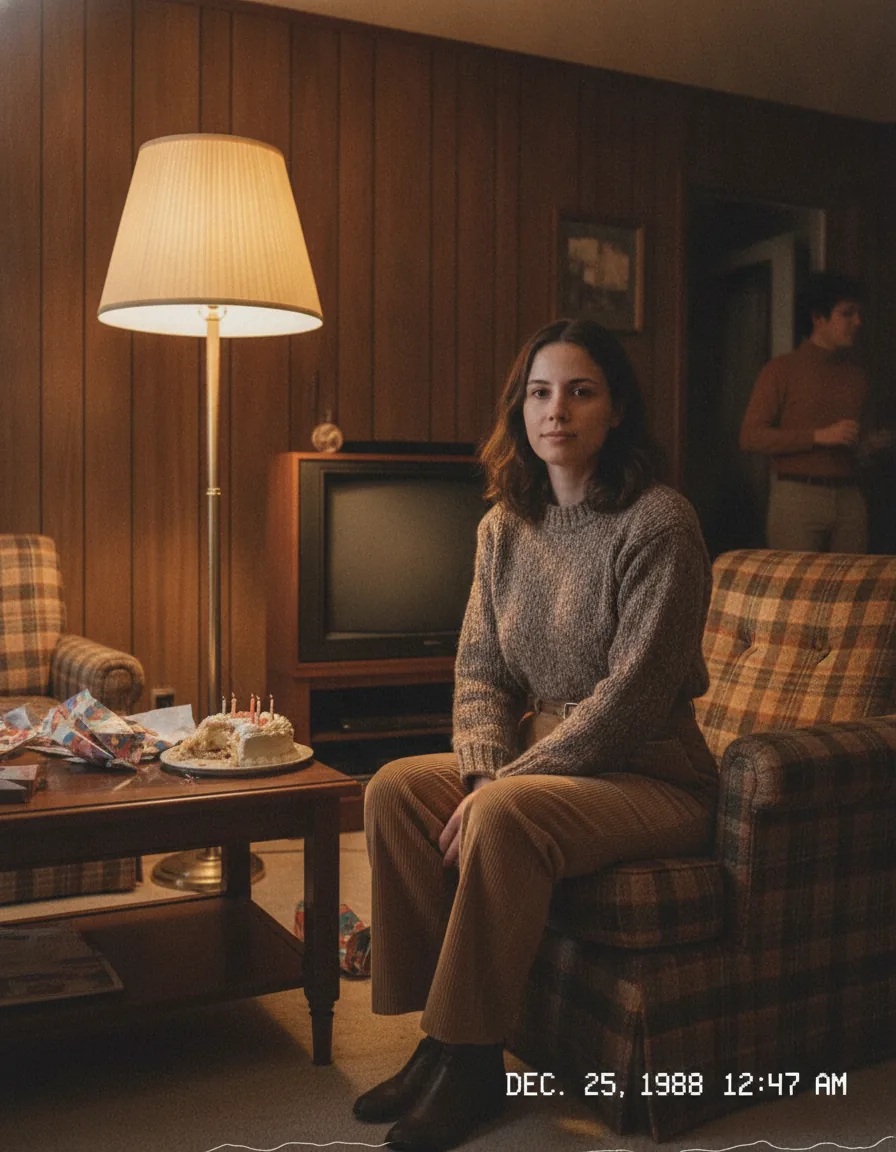
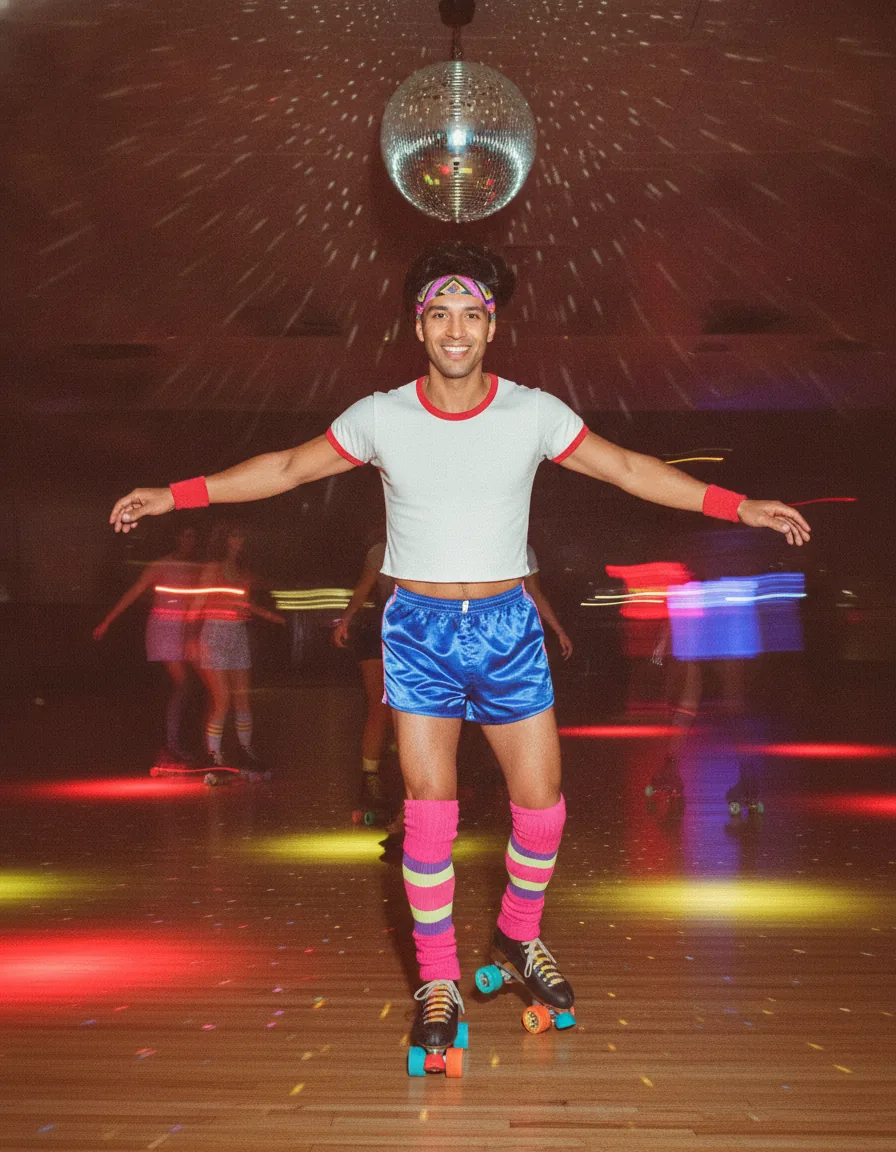
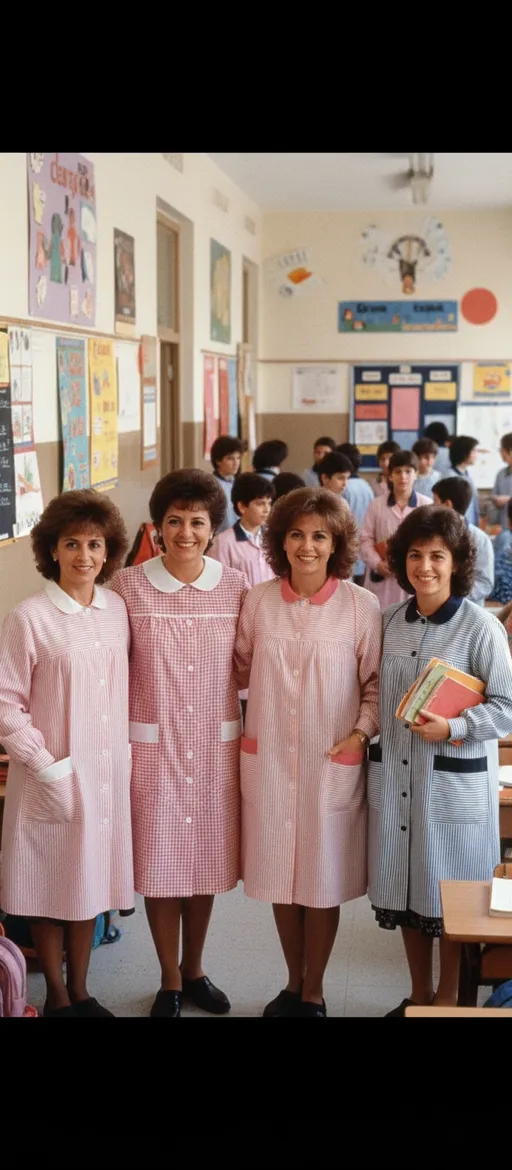
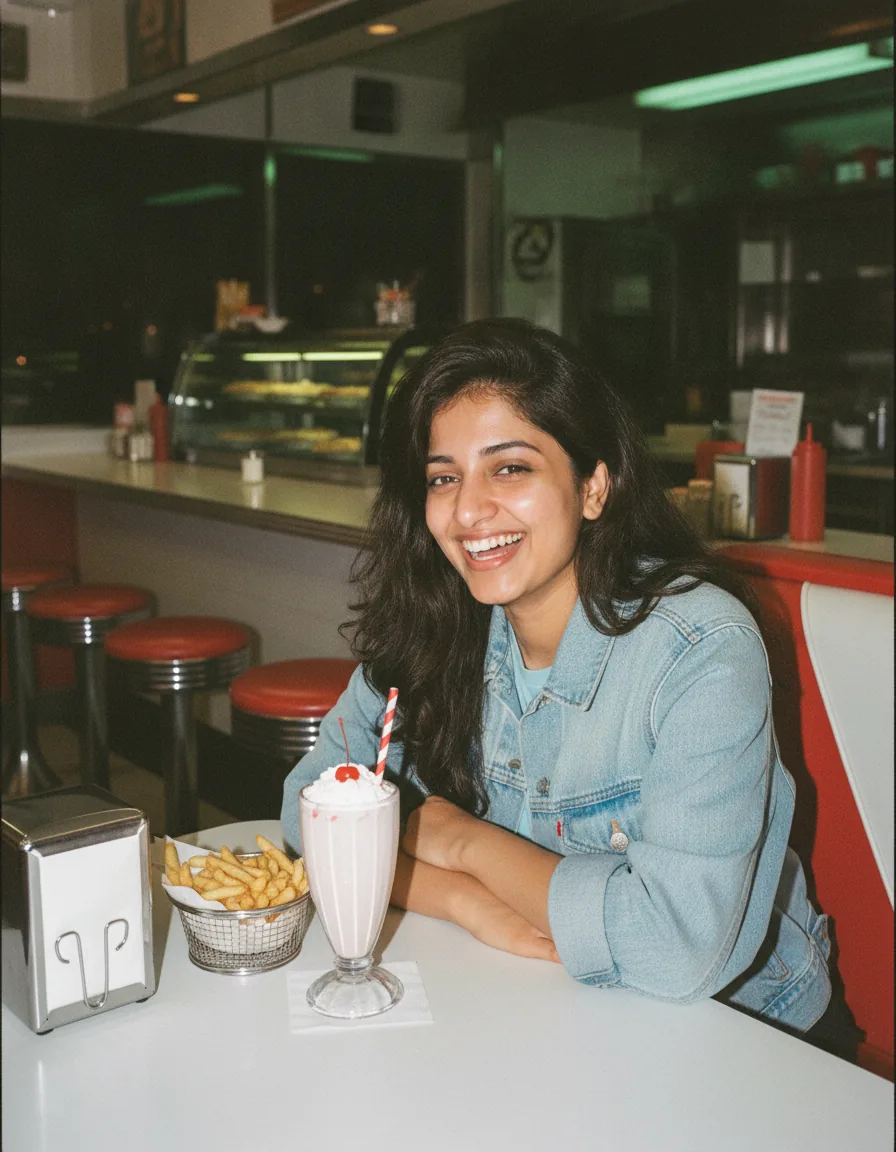
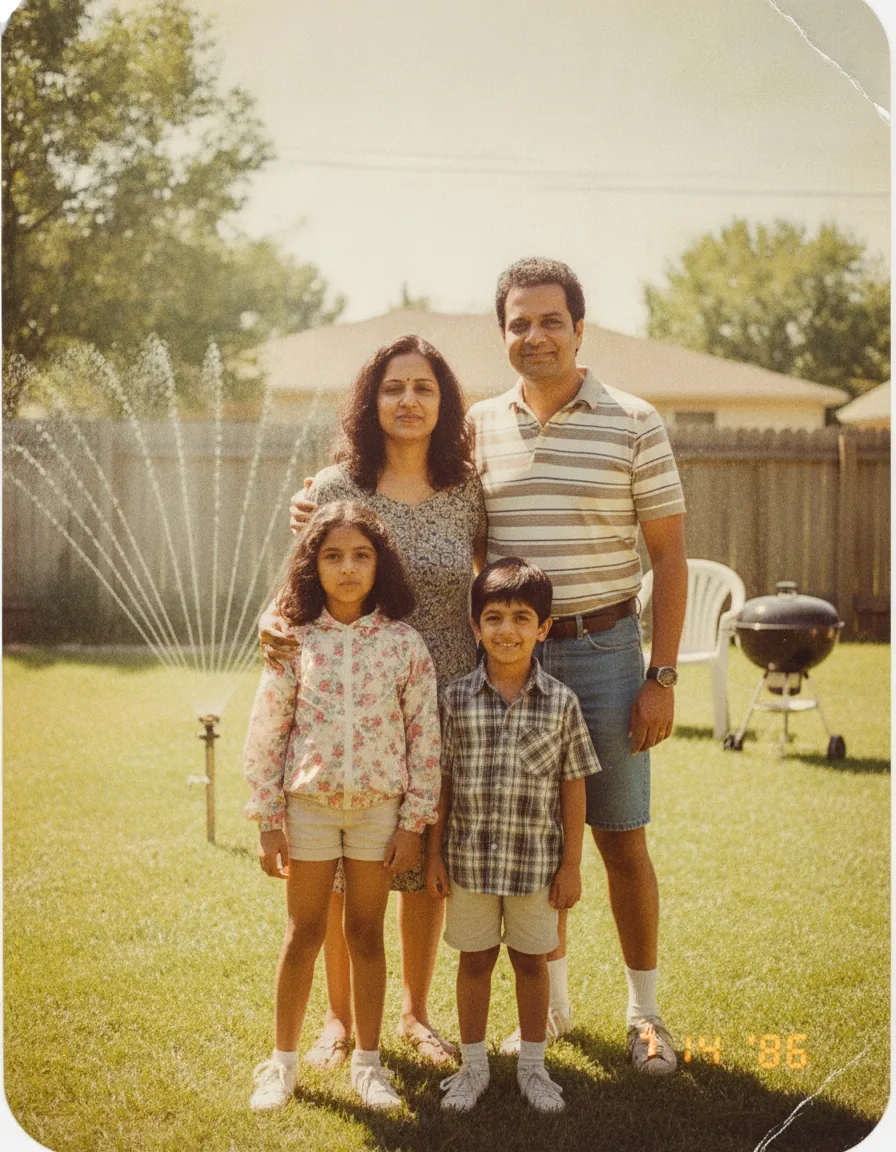
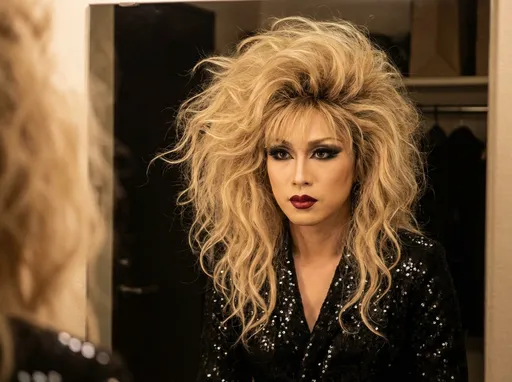
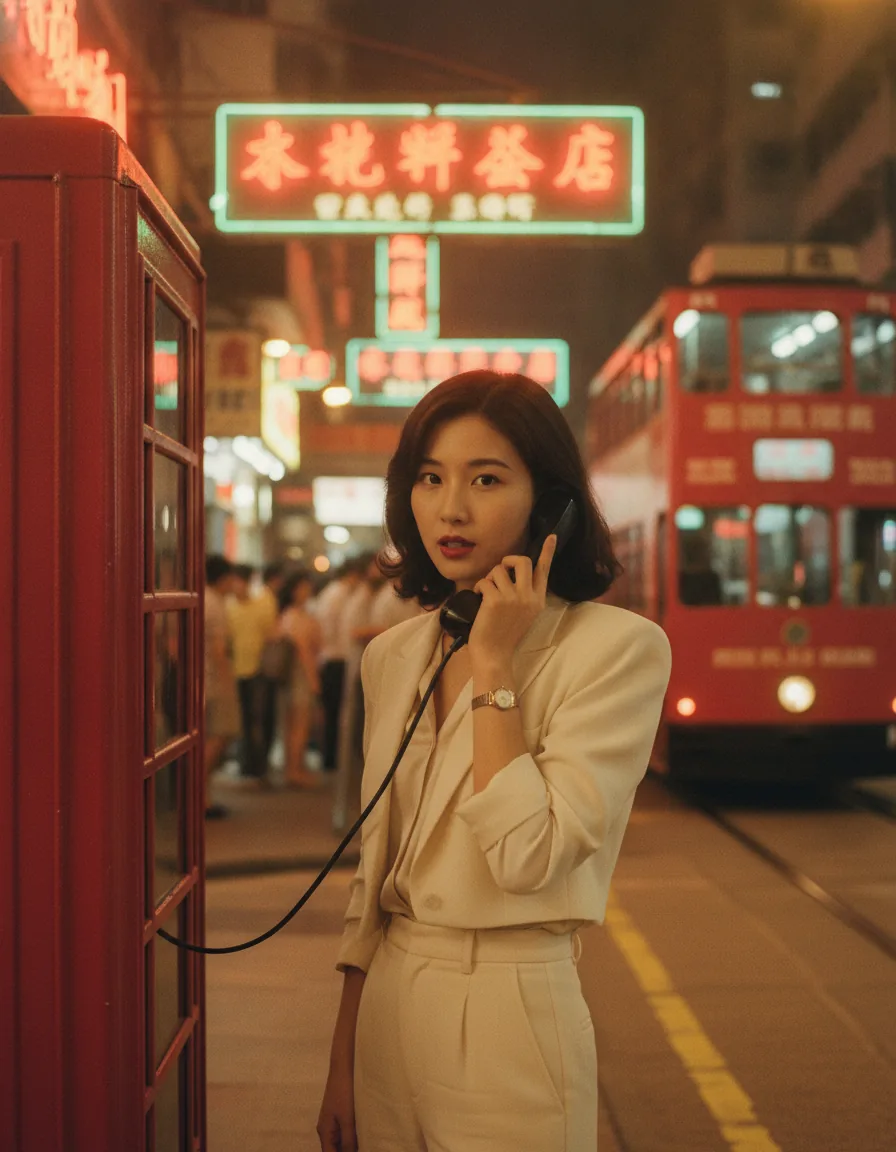
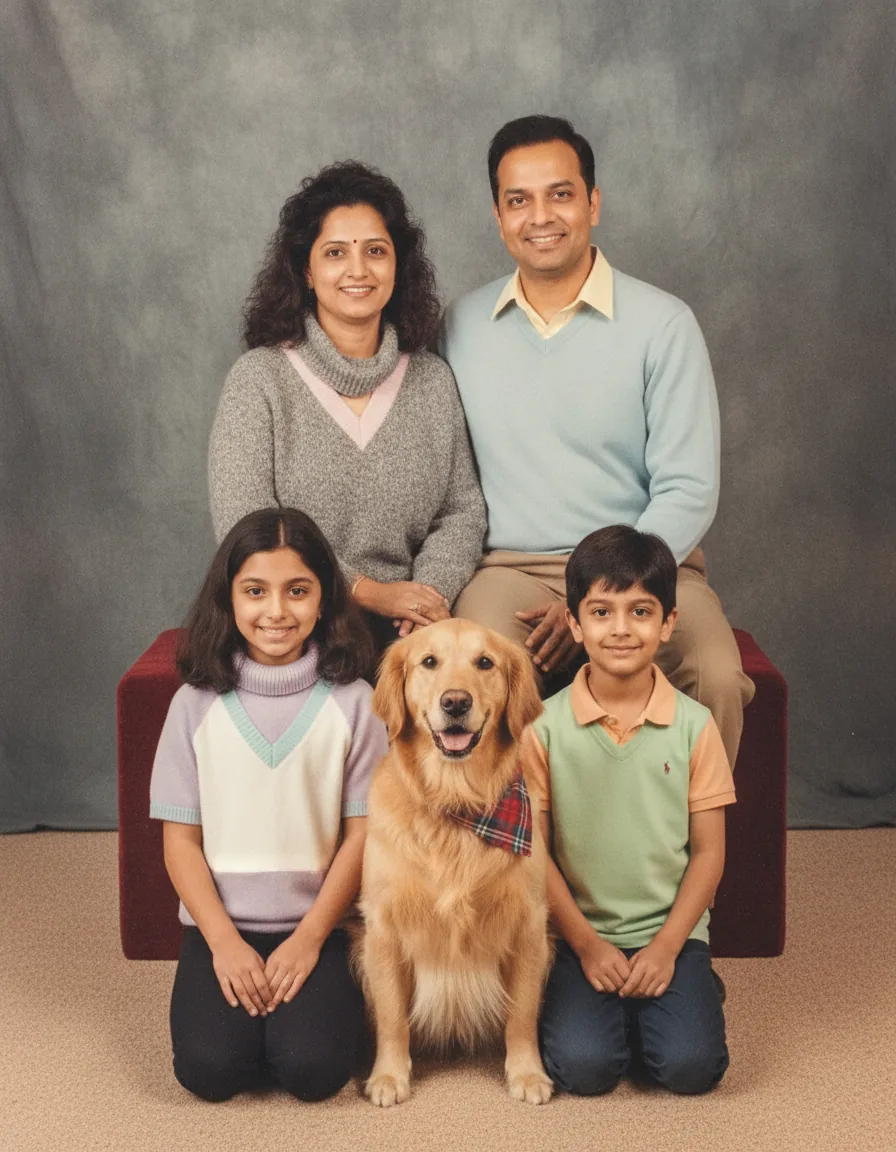
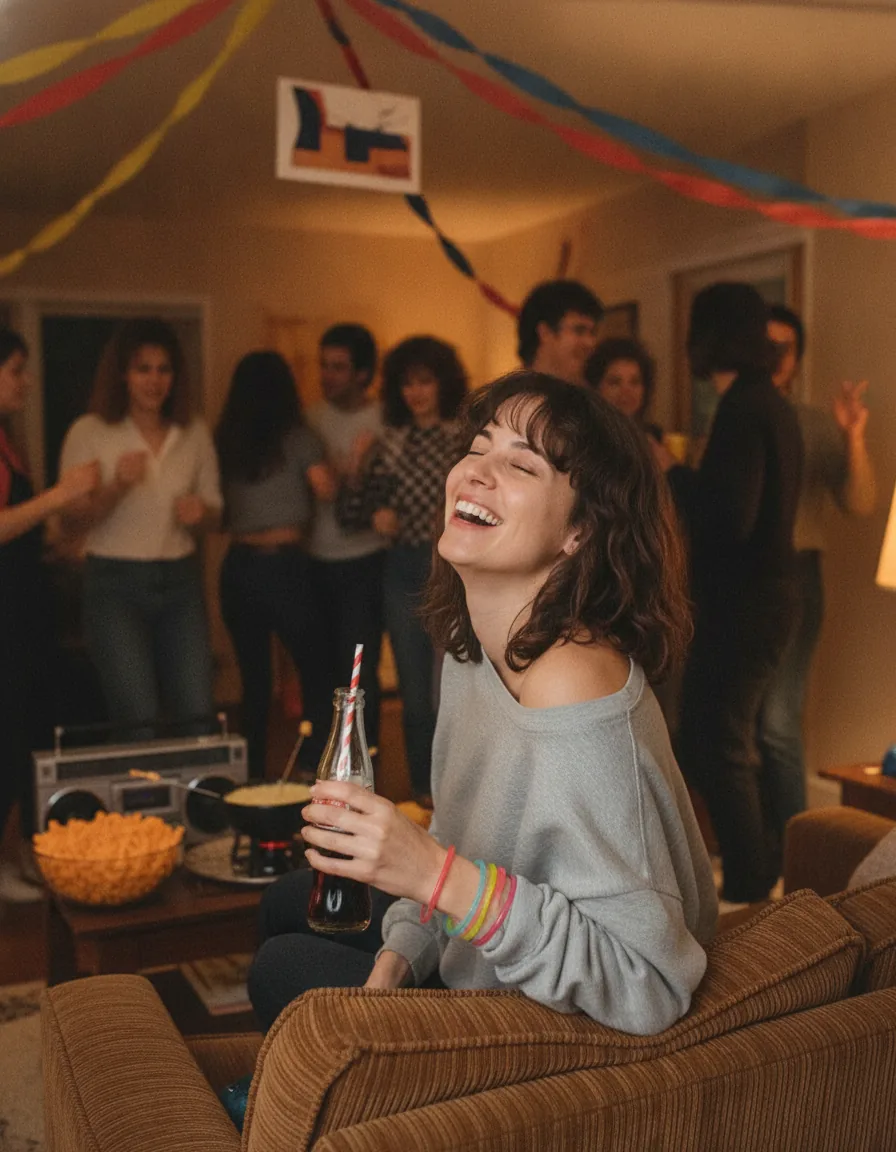
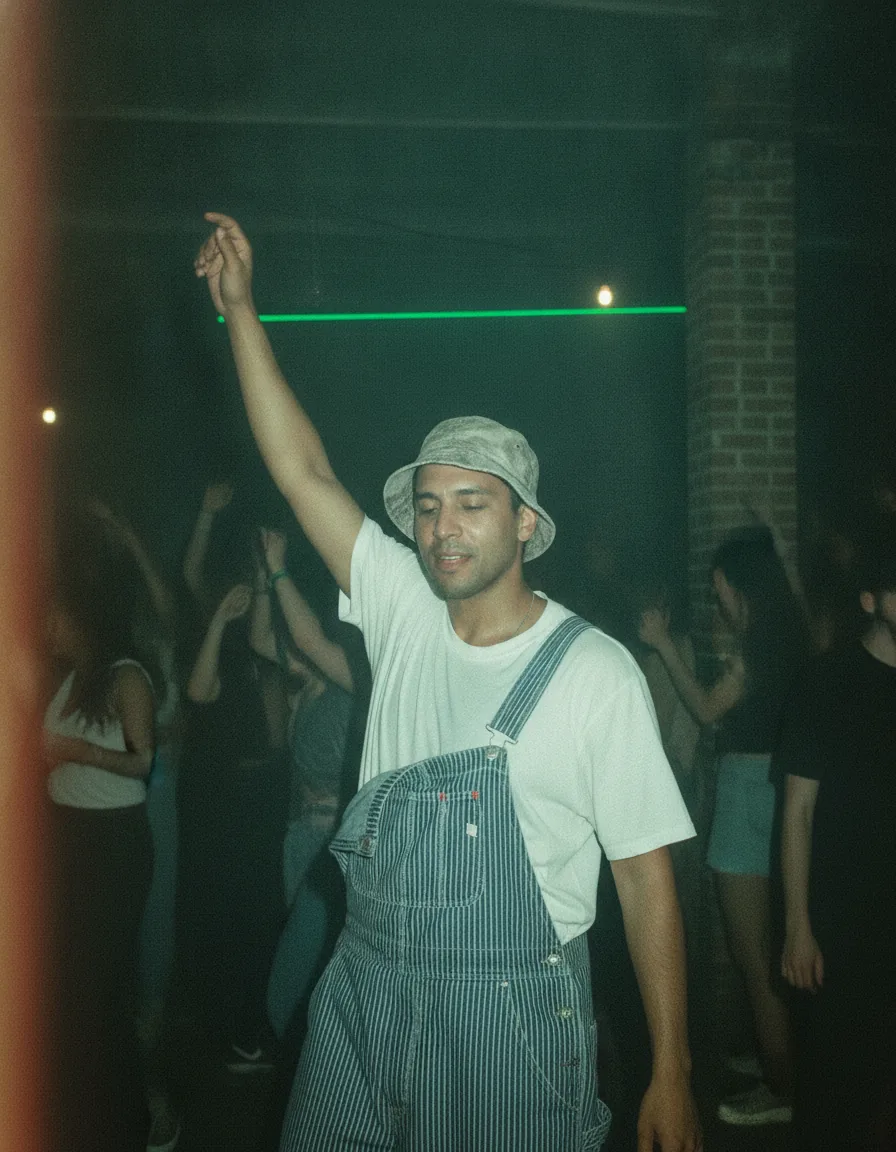
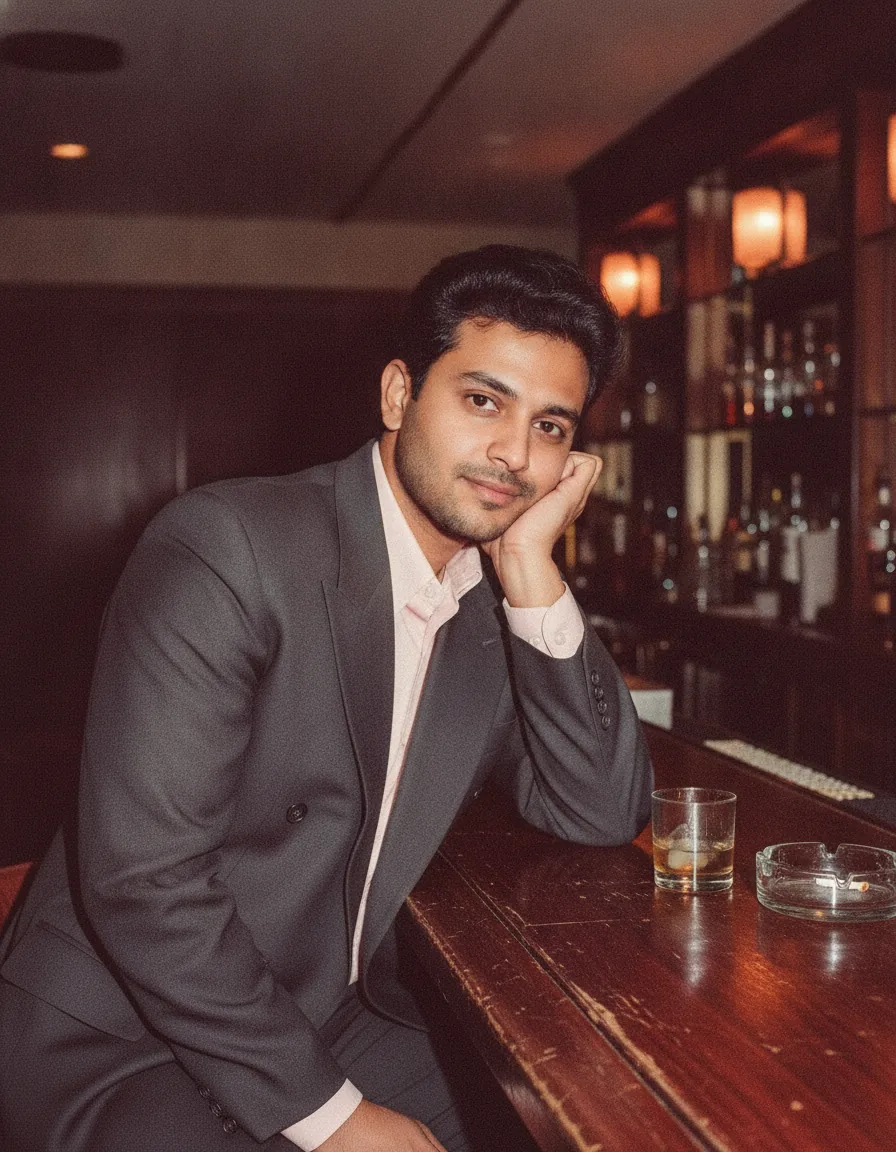
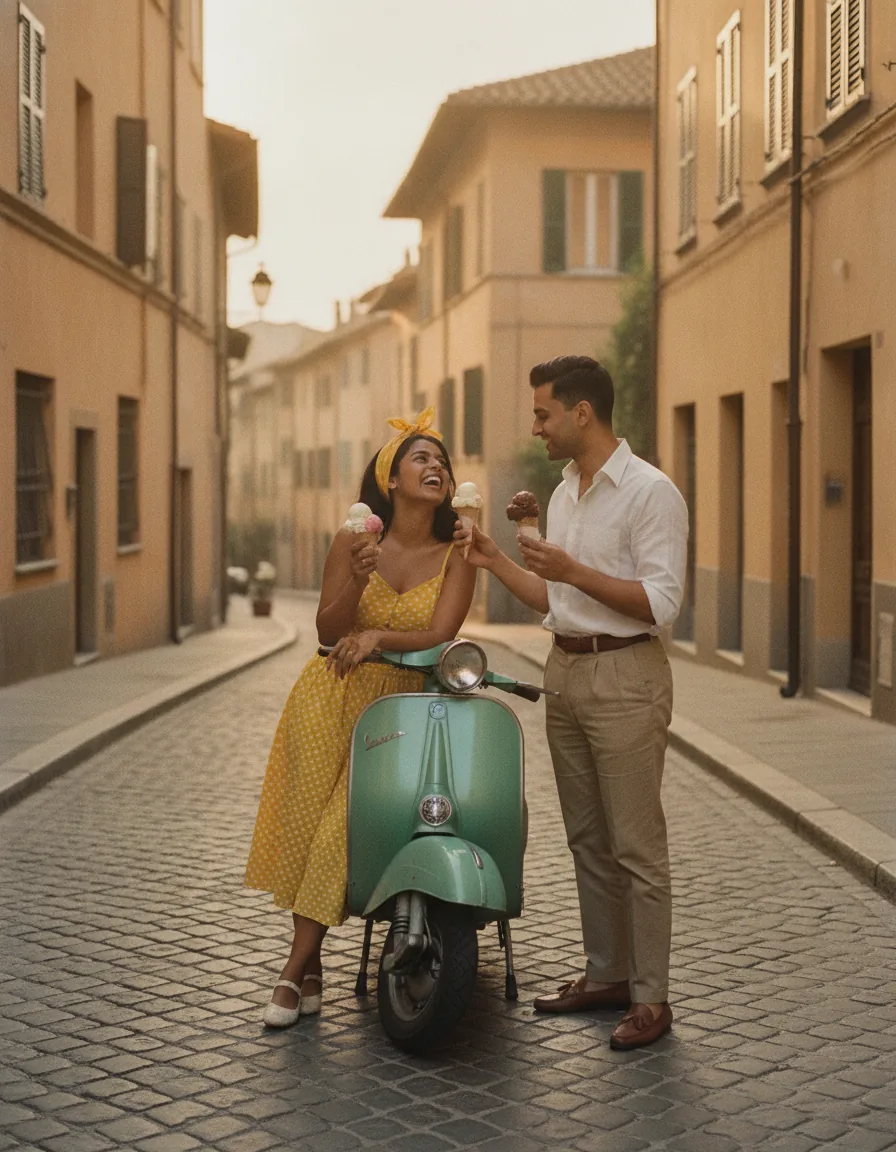
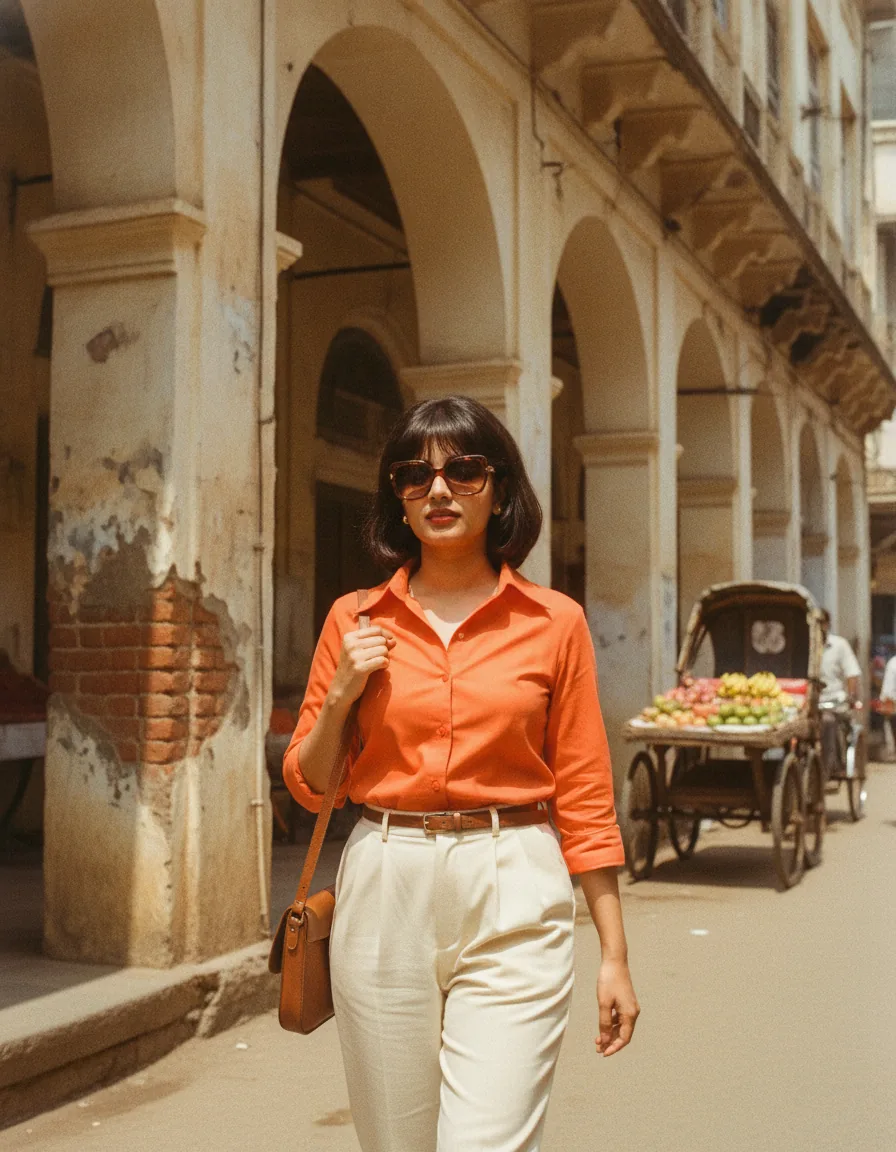
Start from the closest picture. Scroll the gallery until you find an image with the mood you want, whether that is a flash-lit house party, a neon car park or a soft studio portrait. Open it to see the full prompt, the model that made it and tips for changing it.
Copy, then change only the subject. Swap the person, outfit or location for your own idea but leave the camera, film and lighting words alone. Those details are what make the result read as a real snapshot from the decade instead of a modern photo with a filter.
Run it a few times. Image models are random, so generate three or four versions and keep the one with the most convincing grain and color. If faces look too clean, add a phrase such as “slight motion blur” or “visible film grain” to push the image further back in time.
What makes a photo prompt look like the 1980s
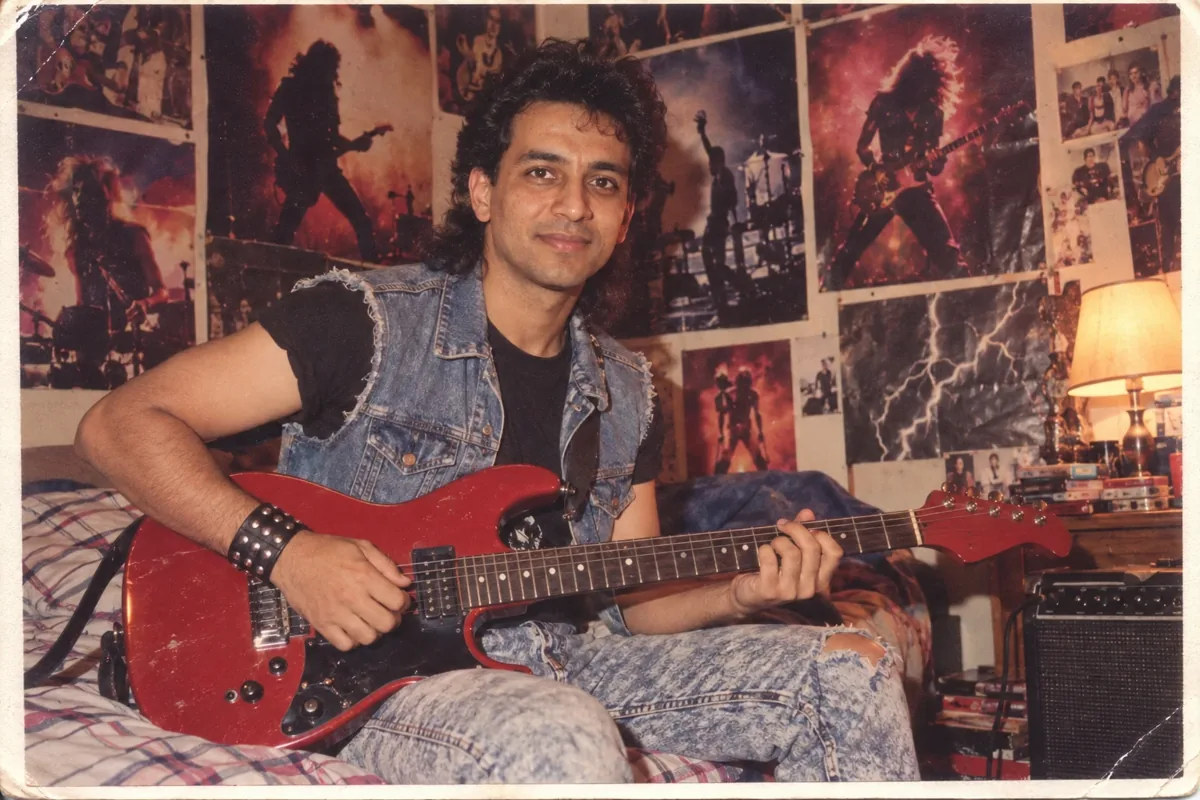
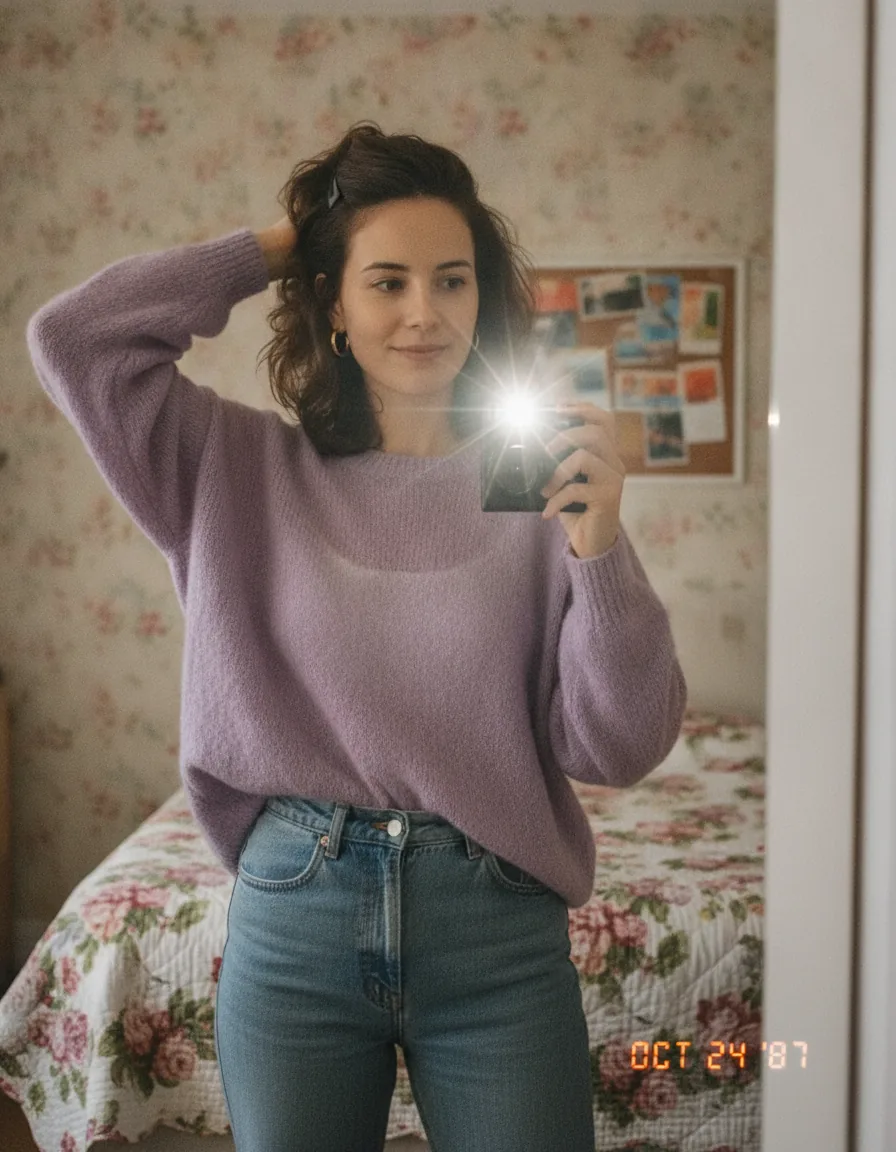
A convincing 1980s photo prompt usually names the capture method first: 35mm film, a disposable camera, a Polaroid instant print or a camcorder still. Adding the film stock, such as Kodak Gold or Fujicolor, gives the model a clear color reference for warm skin tones and slightly faded shadows.
Light does most of the work. Direct on-camera flash, hard red-eye shadows, mall fluorescent tubes and pink or cyan neon are all instantly recognisable. Pair them with period details like big teased hair, shoulder pads, denim jackets, arcade cabinets and boxy cars, and the scene places itself without you having to write the year at all.
Just as important is what you leave out. Words like “ultra sharp”, “8K” or “HDR” pull the image back toward a modern phone camera, so skip them. Ask instead for soft focus at the edges, a little color shift in the highlights and the slightly crooked framing of someone snapping a picture at a party.
1980s photo prompt FAQ
Which AI image tools work with these retro prompts?
Any text-to-image model. The examples here were made with Nano Banana, Seedream, Kling, Imagen and GPT Image, and the same prompt text also works in Midjourney, Flux or Stable Diffusion. Expect small differences in grain and color from one model to the next.
Can I turn my own photo into a 1980s photo with these prompts?
Yes. Upload your picture to a model that supports image editing, paste the prompt, and replace the subject description with a short line such as “the person in the uploaded photo”. Keep the lighting, film and color details so the retro look carries over.
Are the prompts free to copy?
Yes, every prompt on this page can be copied and adapted for your own images. The example pictures belong to the creators who posted them, so link to the original post if you republish one of their images.
Example images and prompts were collected from public posts on OpenArt, and credit belongs to the original creators. Want to read every prompt as plain text, sorted by popularity? Open the full prompt list.