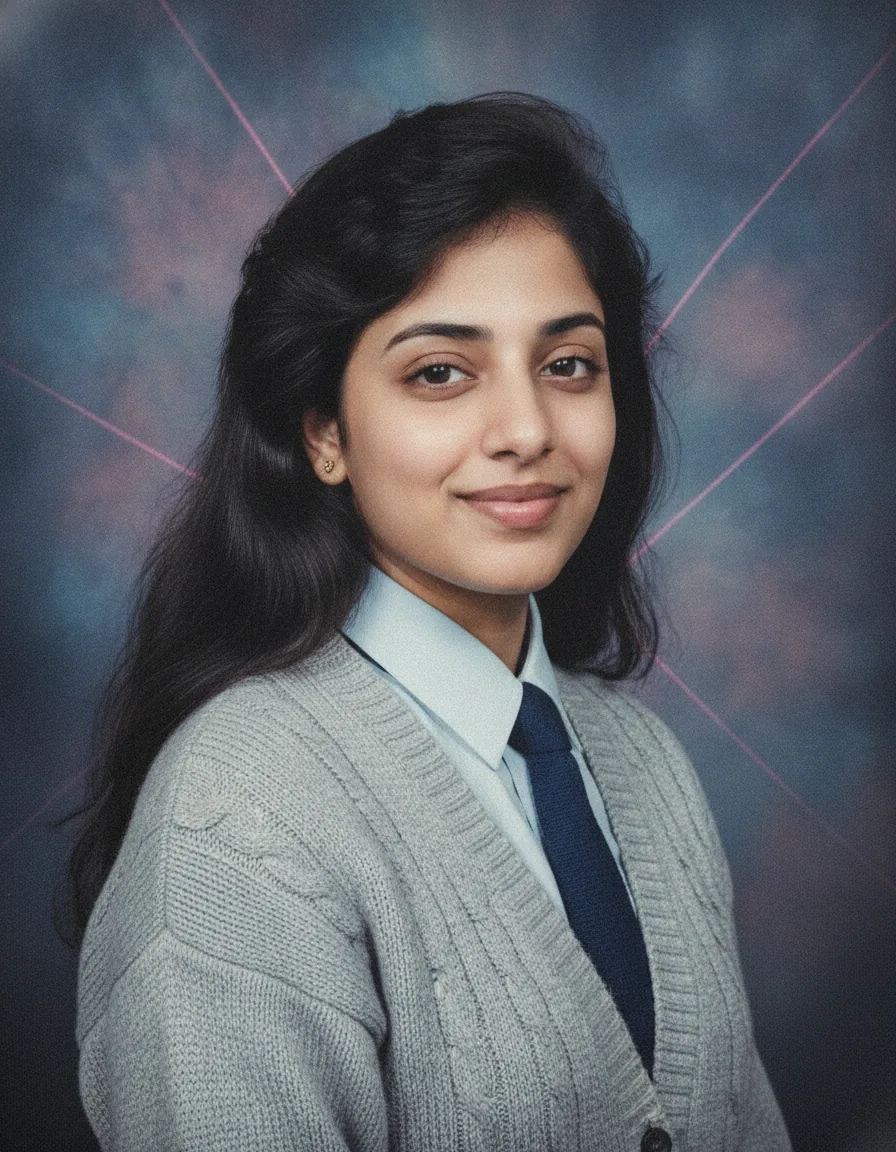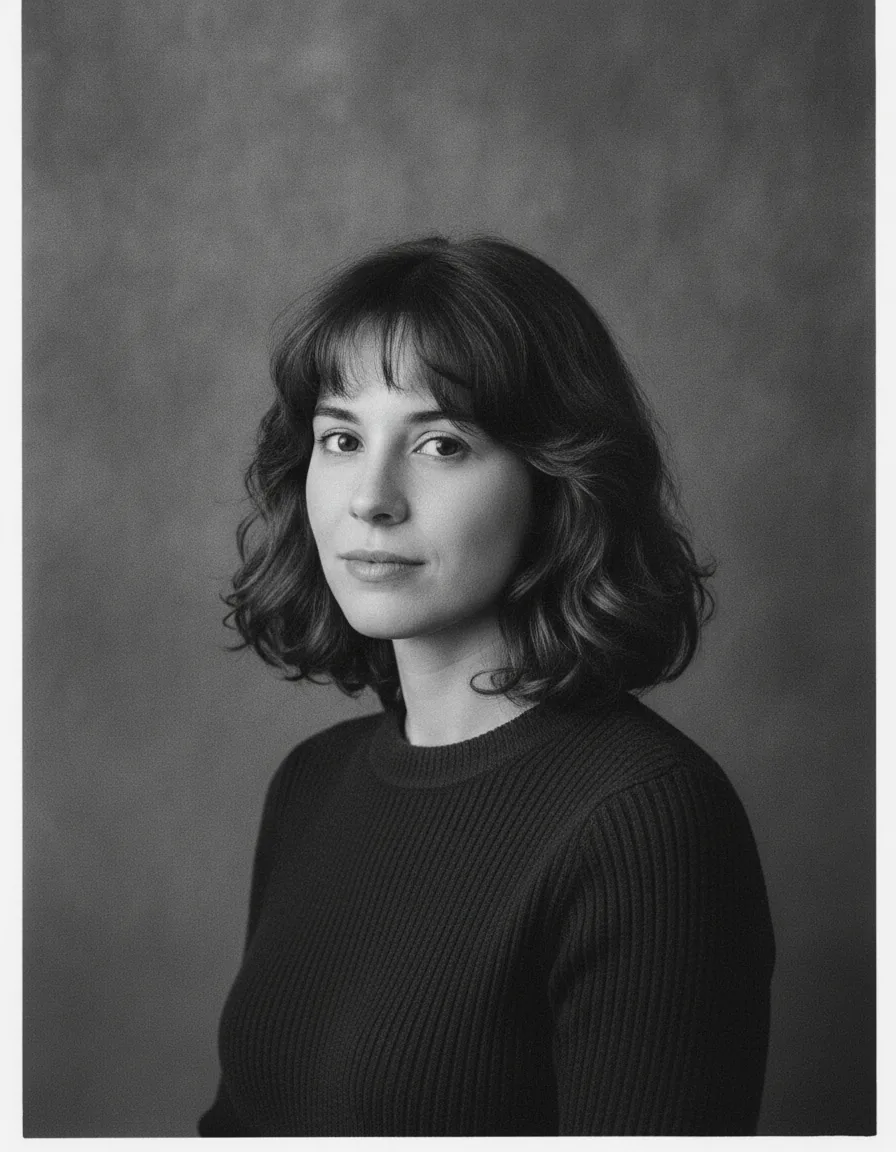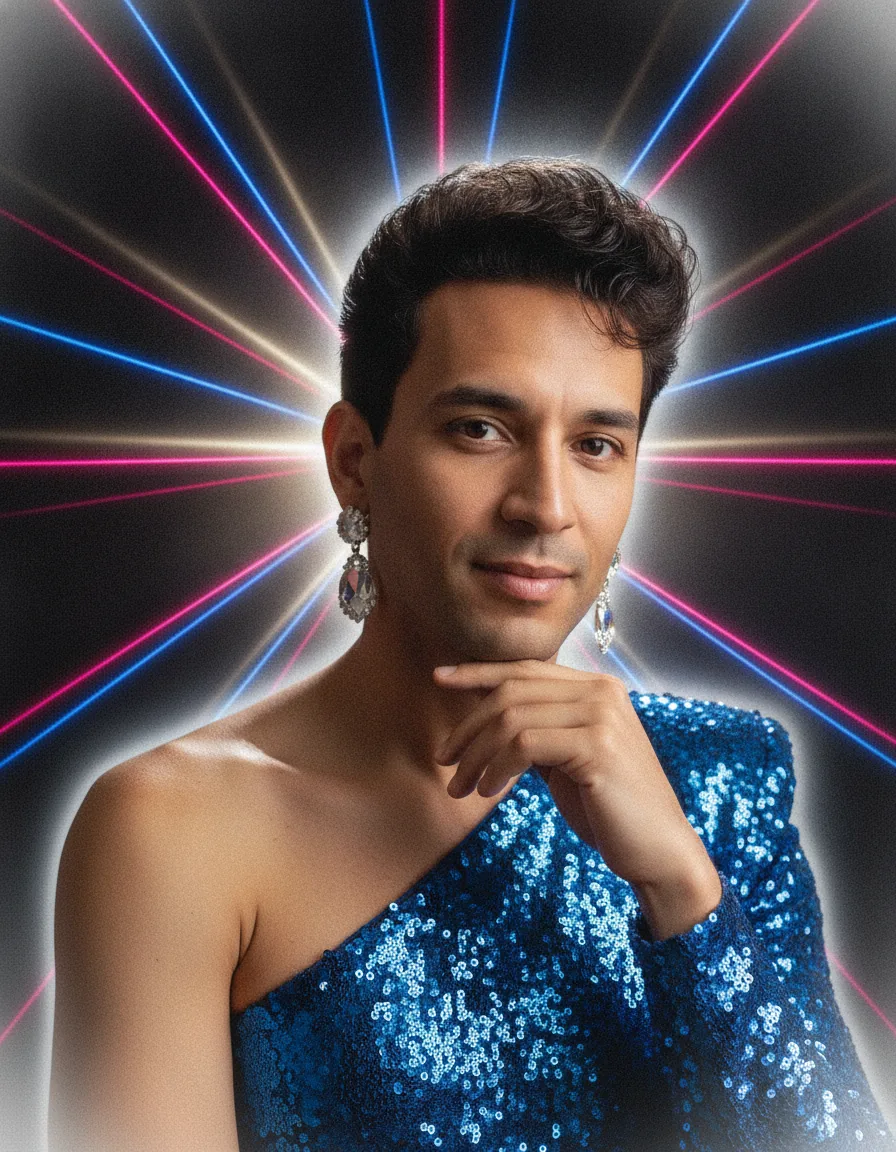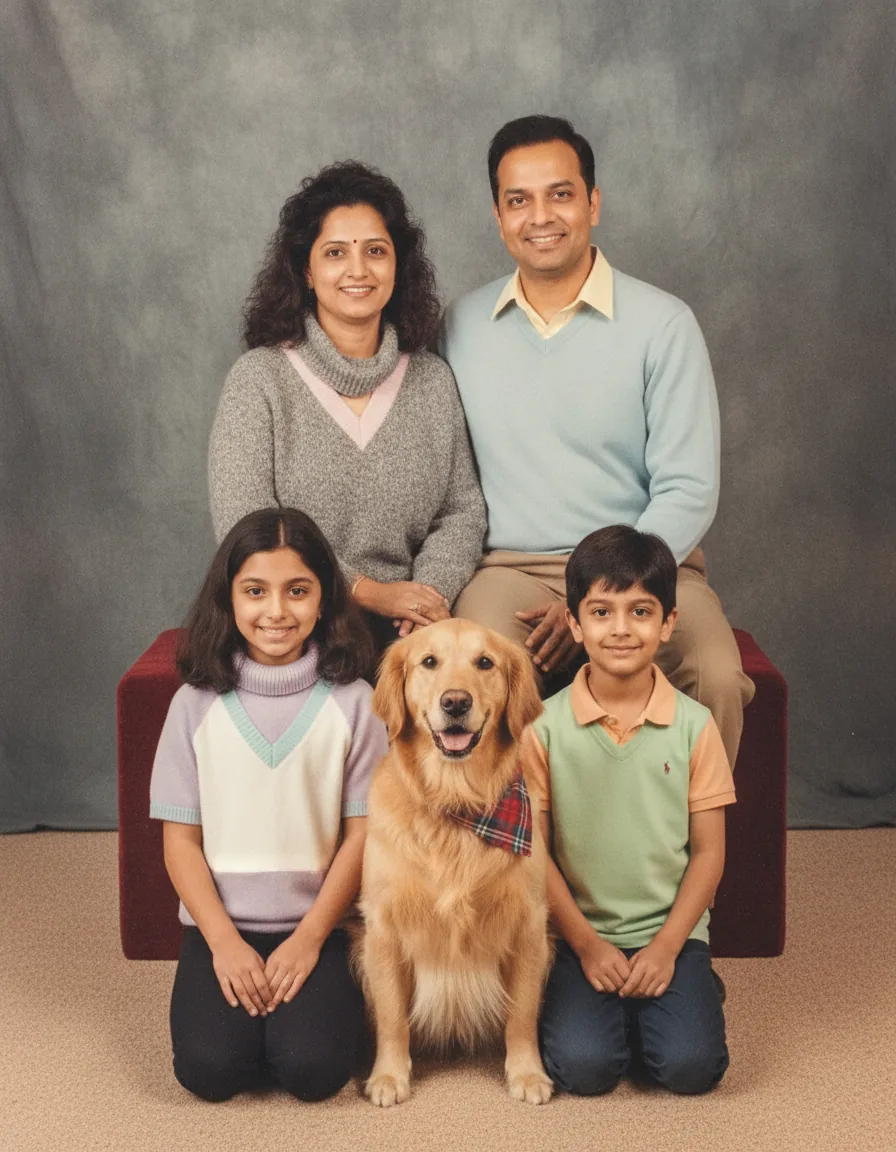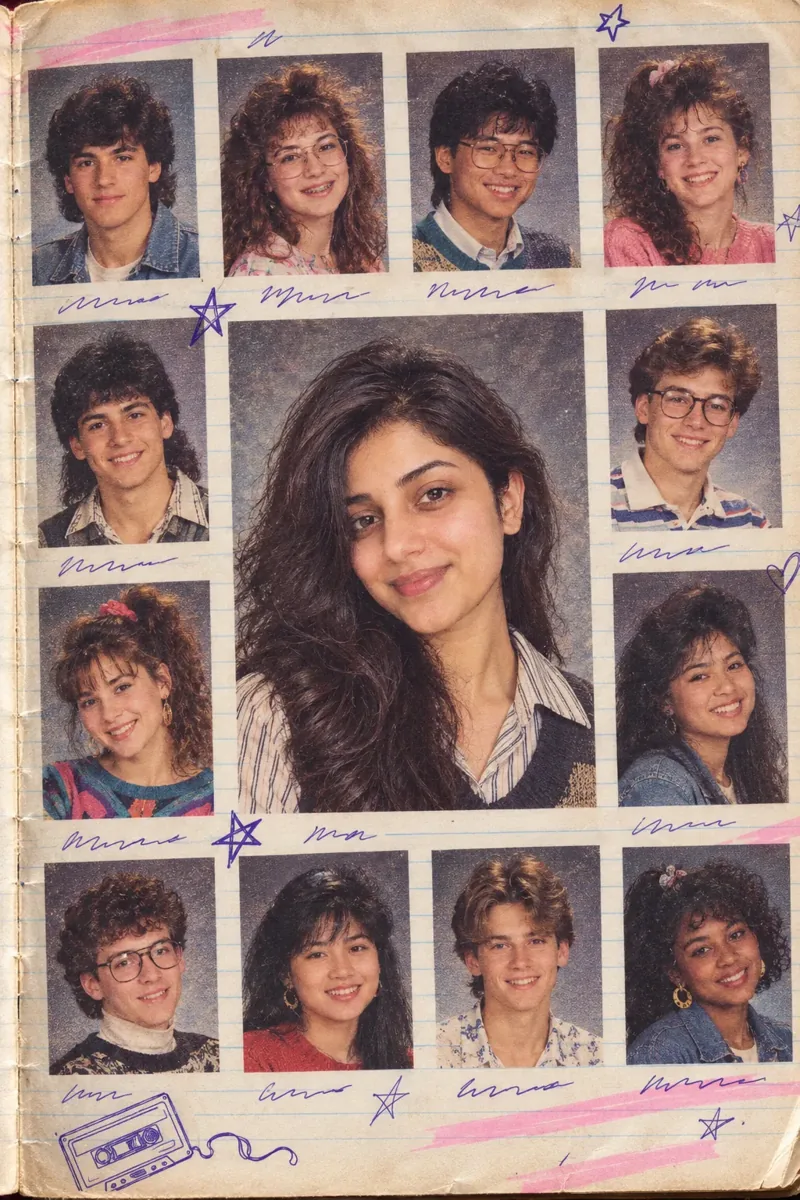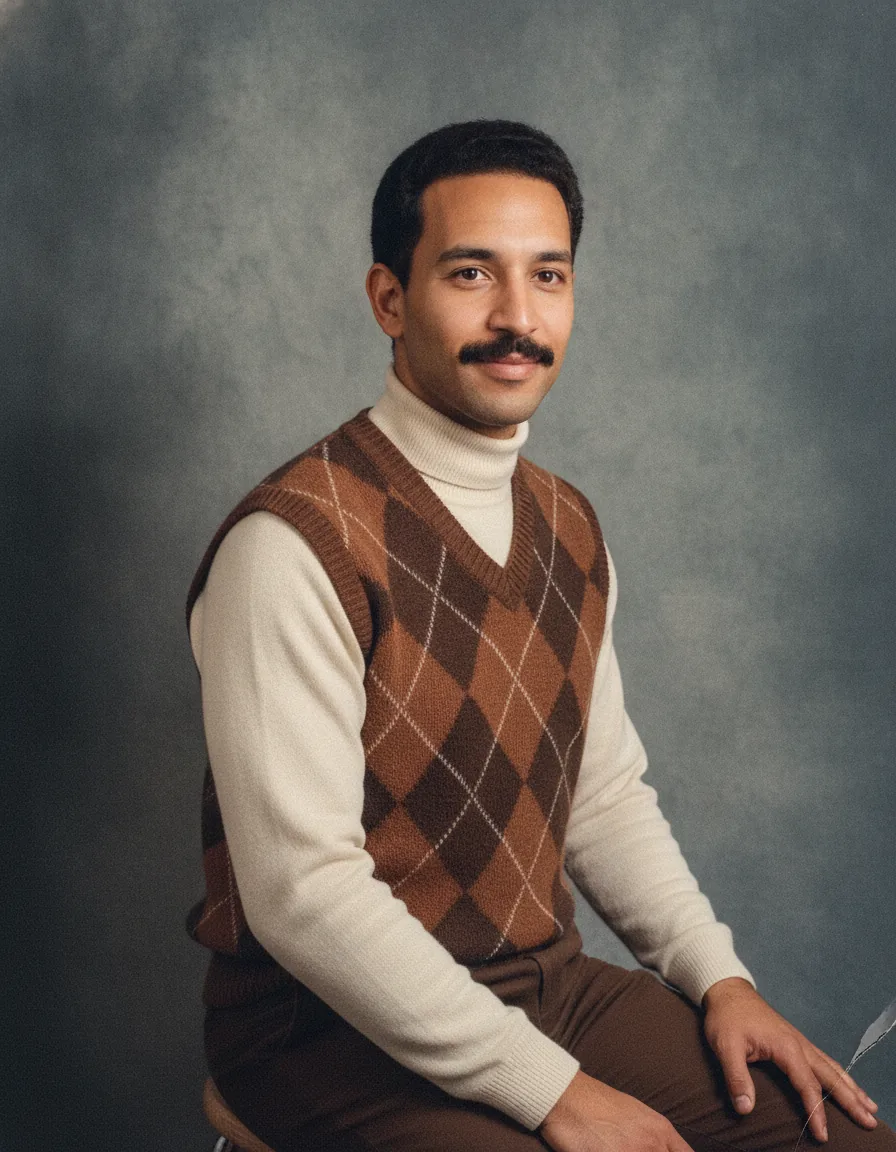
 Before
What this prompt creates
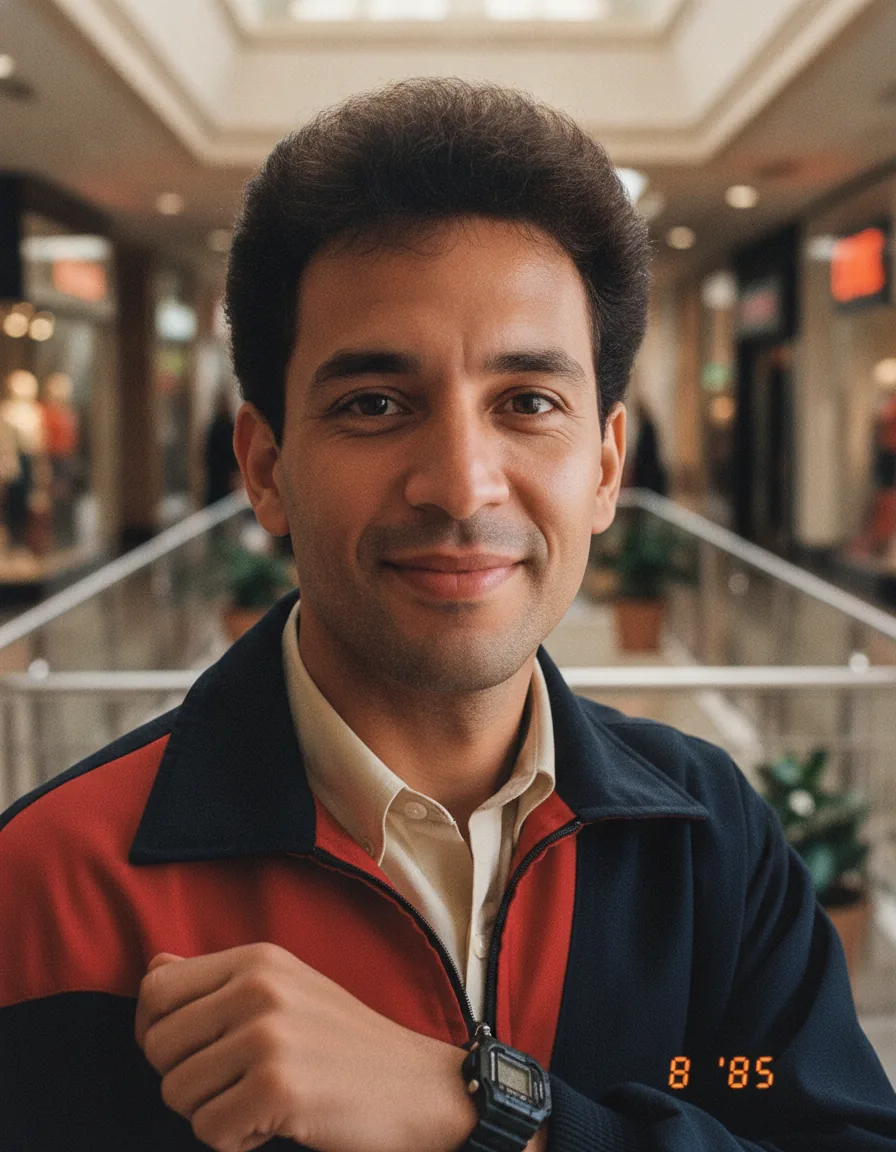
The edit keeps your face and expression but gives you big textured hair, a colour-blocked jacket or knit with wide shoulders and one bold accessory, set in a place that fits your original photo, such as a panelled living room or a shopping arcade. The flash lights you brightly while the background falls into shadow, colours are warm and a little faded, and an orange date stamp sits in the corner.
How to use this 1980s ai photo prompt
- Tap Copy prompt above to copy the full text.
- Open ChatGPT or Gemini and start a new chat. Upload a clear, well-lit photo where your face is fully visible (no sunglasses or heavy filters); for couple or family prompts, upload a photo with everyone in it.
- Paste the prompt and send it. Change the setting, the standout accessory and the date on the stamp to match a place and year that mean something to you.
- If the face changes, reply “keep my face exactly as in the uploaded photo” and regenerate. Try two or three versions and keep the one that looks most like a real old print.
Tips for this prompt
- Start with a clear, evenly lit photo facing the camera, without sunglasses, heavy filters or strong beauty-mode smoothing already applied.
- If the result looks like a different person, reply "use my exact face from the uploaded photo and only change the styling" and regenerate.
- Change the year in both the first sentence and the date stamp, for example 1982 or 1989, to shift the styling earlier or later in the decade.
Who this prompt suits
Anyone joining the trend for the first time, of any gender or background. Good for Instagram Add Yours stickers, story polls asking friends to guess the year, and before-and-after posts.
What makes this prompt work
"Keep me clearly myself" followed by "no beautifying, slimming or de-ageing" is the core identity lock. "Restyle only my hair, clothes, accessories and surroundings" limits what the model may change. The phrase "suits my original photo" keeps the setting flexible for any upload. "Compact camera and on-camera flash" with a precise "orange digital date stamp" gives the snapshot look, and "no modern objects, phones, screens" removes giveaways.