 Before
What this prompt creates
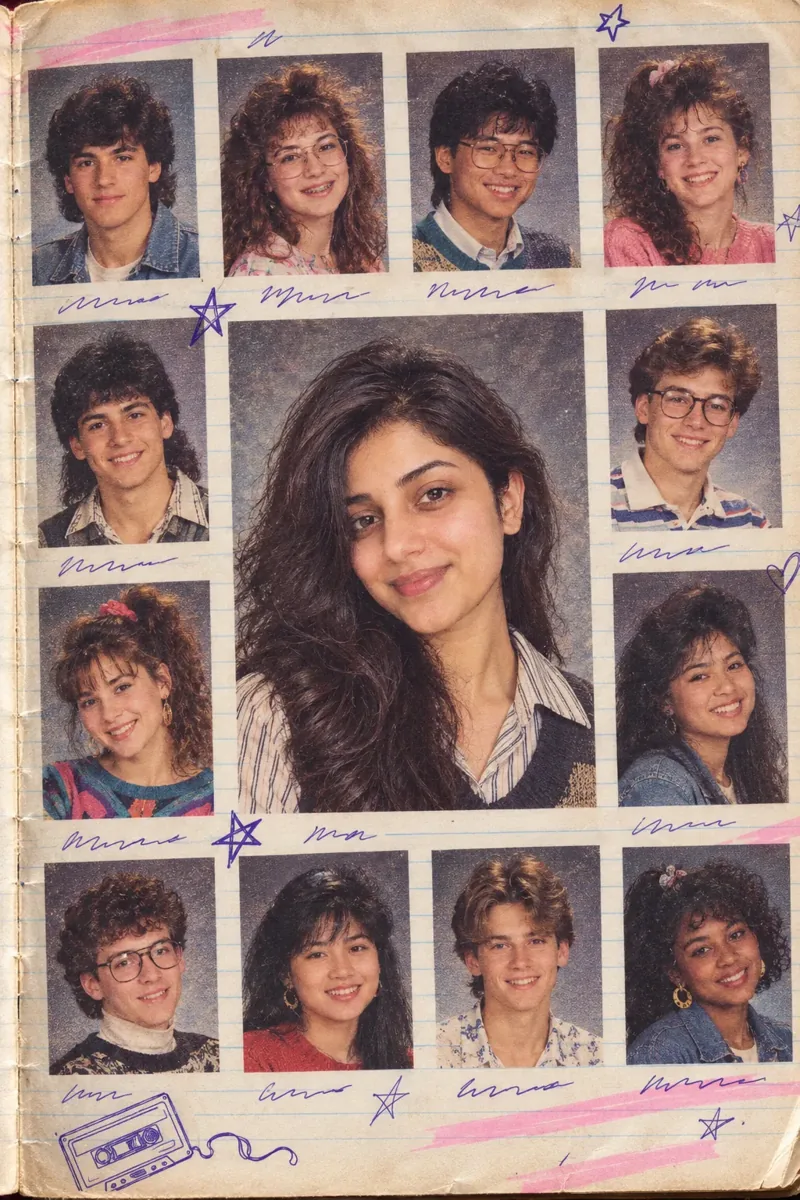
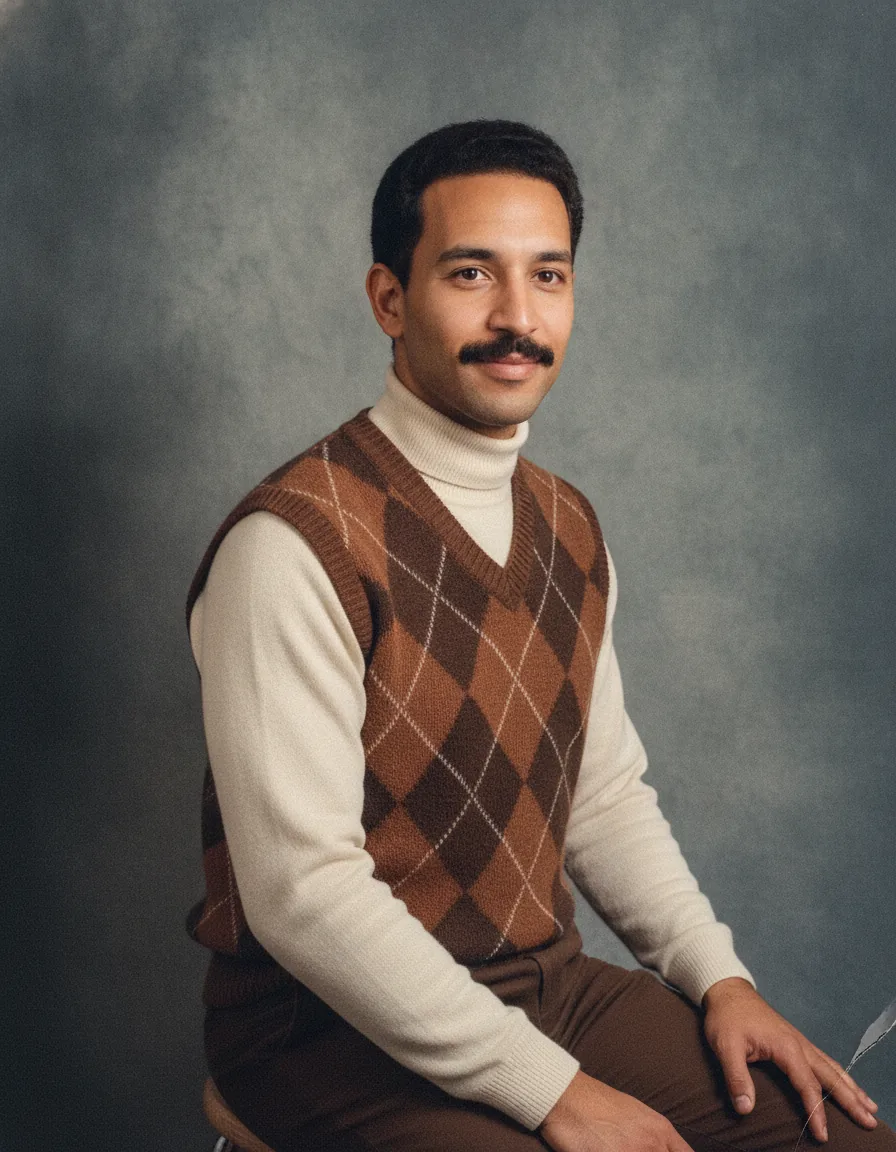
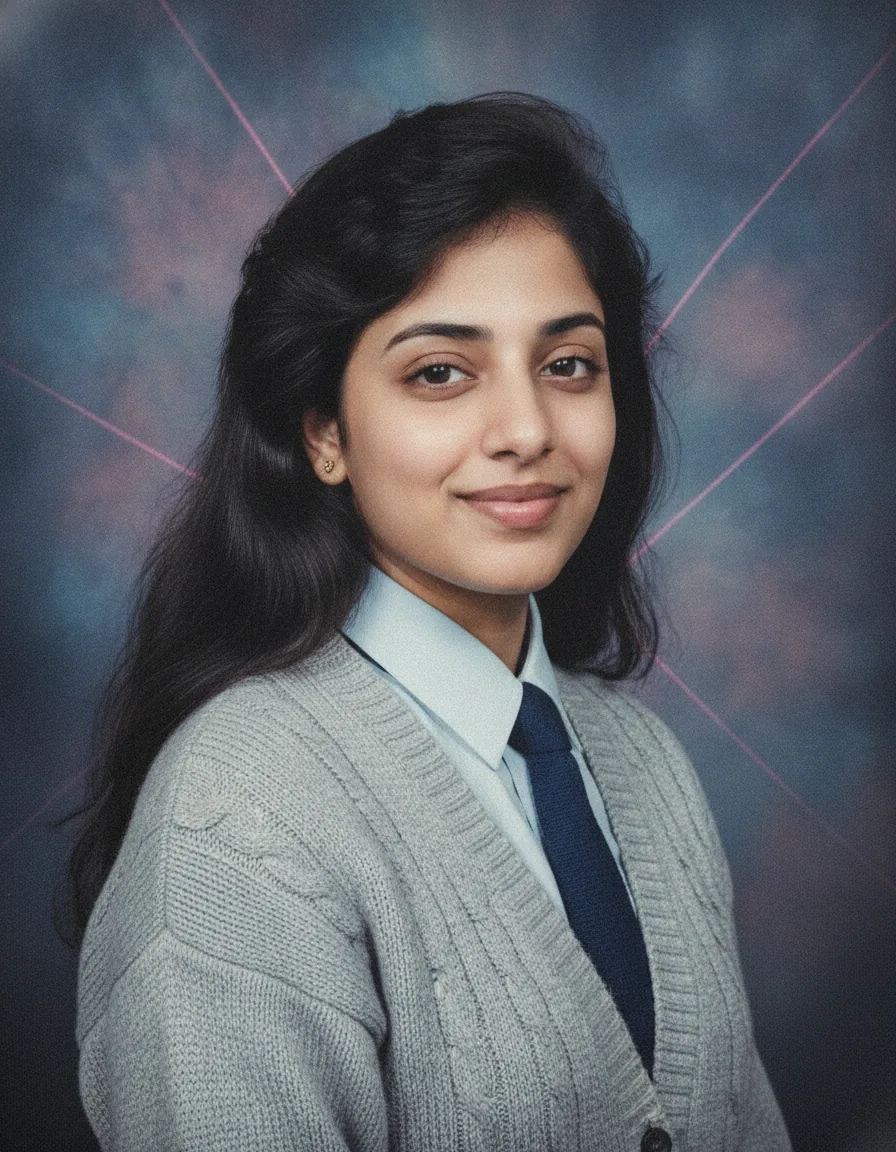
The edit is a head-and-shoulders portrait of you, turned slightly with a small polite smile, wearing a pastel oxford shirt with a thin knit tie or a ruffled blouse under a cardigan. Your hair is feathered or neatly side-parted with volume. Behind you is a mottled blue and purple canvas crossed by faint pink laser lines, lit flat and evenly, with slightly cool colours, fine grain and a glossy print finish.
How to use this 1980s yearbook photo prompt
- Tap Copy prompt above to copy the full text.
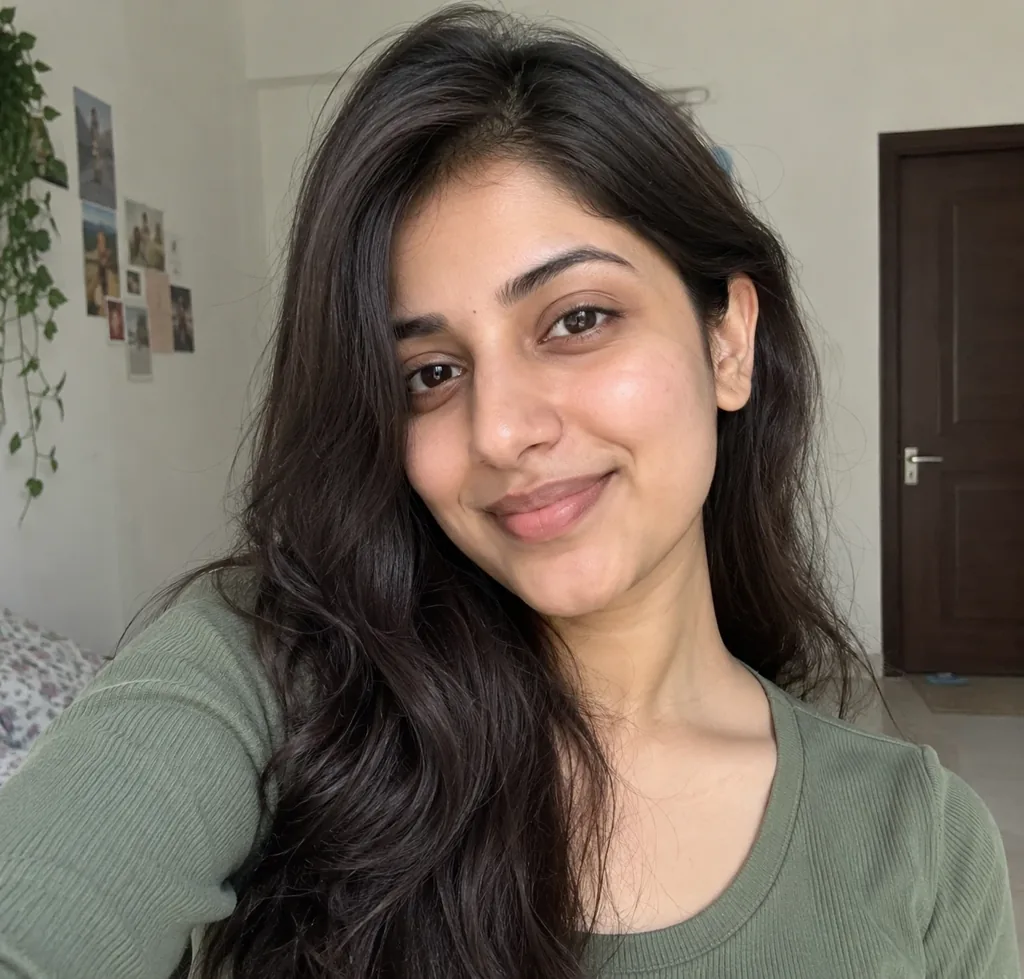
- Open ChatGPT or Gemini and start a new chat. Upload a clear, well-lit photo where your face is fully visible (no sunglasses or heavy filters); for couple or family prompts, upload a photo with everyone in it.
- Paste the prompt and send it. Change the hairstyle, clothing colours and backdrop pattern to match what picture day looked like where you would have studied.
- If the face changes, reply “keep my face exactly as in the uploaded photo” and regenerate. Try two or three versions and keep the one that looks most like a real old print.
Tips for this prompt
- Upload a front-facing head-and-shoulders photo with a neutral background; this is a close crop, so a sharp face matters more than anything else.
- If the laser lines cover your face or look too neon, ask for "only faint laser lines behind the shoulder, away from the face" and regenerate.
- For a plainer version, change the backdrop to smooth grey-blue mottled canvas, or swap the tie and blouse for a letterman sweater.
Who this prompt suits
Students, alumni planning reunions, friend groups doing a matching set, and anyone who wants a playful retro profile picture. It also works well for LinkedIn joke posts and class group chats.
What makes this prompt work
"Do not smooth my skin, whiten my teeth or change my face shape" guards against yearbook-style retouching. The backdrop line "blue and purple mottled canvas with faint pink laser lines" makes the result read as picture day in one glance. "Flat and even from a large soft source" plus "catchlight in each eye" sets the school photographer's lighting, and "no ... text, names or logos" stops the model adding a fake caption.